AI Avatars: Bringing a Single Photo to Life for Video
One photo. Infinite avatars. Here's how a single image becomes a lip-synced, talking presenter for your next video.
6 min read · May 4, 2026
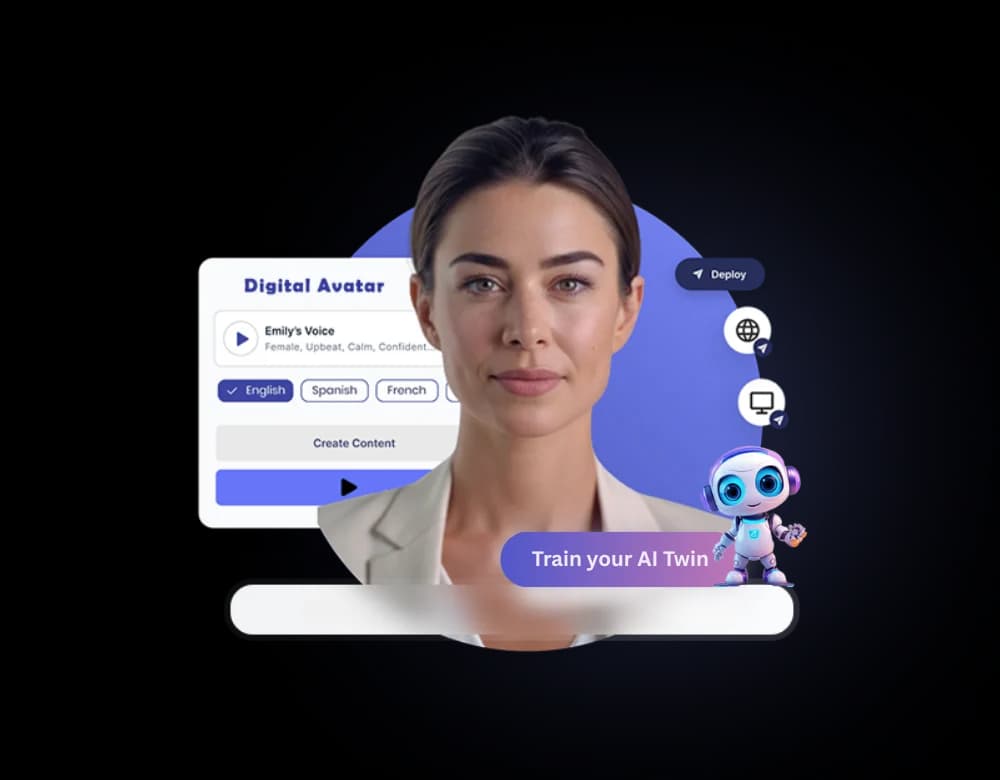
Not everyone wants to be on camera, and not every video needs a full production shoot. AI avatars solve both problems - a single photo becomes a lip-synced digital presenter that can narrate any script in any of 150+ languages.
How it works
Upload one clear photo, pair it with a script and a voice - your own cloned voice, or a studio narrator - and AI Avatars generates lip-synced video matching the audio, without a camera, lighting setup, or filming session.
Where creators are using this
- Course creators, for an on-screen instructor presence without recording every lesson on camera
- Support and product teams, for consistent explainer videos without a studio
- Multilingual creators, narrating the same avatar video in several languages from one photo
- Creators who'd rather write and direct than appear on camera themselves
What makes an avatar look convincing
Lip-sync accuracy matters more than resolution - a slightly lower-resolution avatar with tight lip-sync reads as more natural than a sharp image with mistimed mouth movement. Clear, front-facing source photos with even lighting produce the most convincing results.
Bring your photo to life
Generate your first AI avatar video on Textalky's free plan.
Pairing avatars with narrated lessons
Avatars fit naturally into e-learning production - an on-screen presenter narrating a lesson tends to hold learner attention better than voiceover over slides alone.
Ready to try it yourself?
Create a free Textalky account - no credit card required - and put this into practice.
Start creating for free