AI Chatbots for Business: Complete Setup Guide
A chatbot trained on generic internet text is a liability. Here's how to build one trained on your own docs, that actually helps customers.
8 min read · February 23, 2026
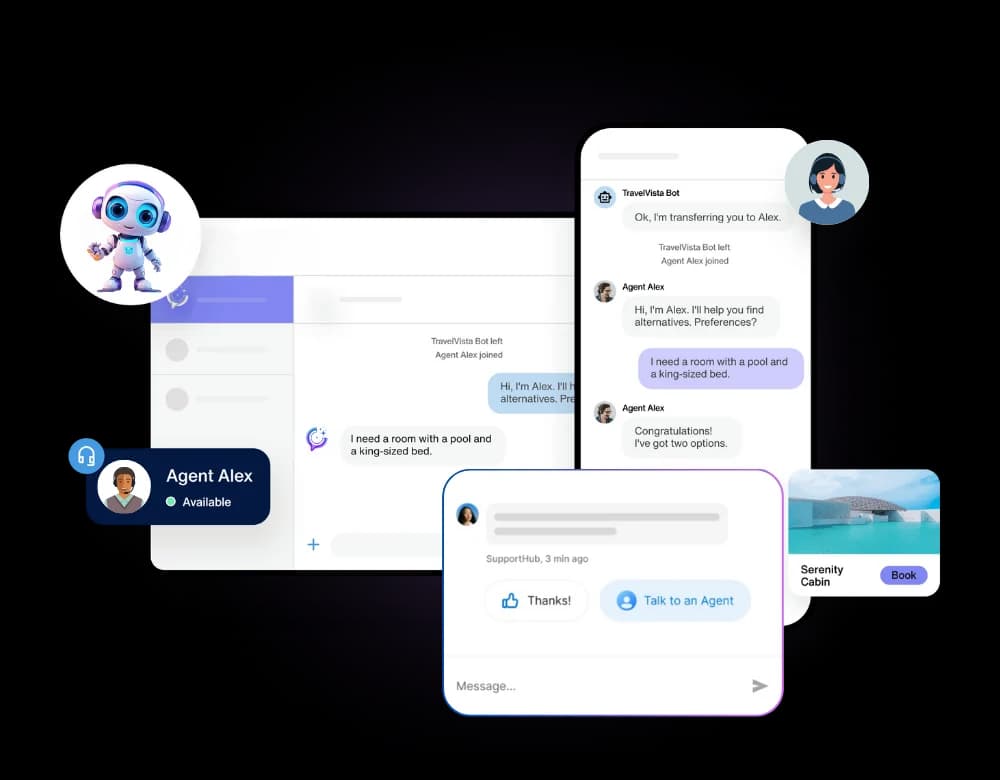
The difference between a chatbot customers tolerate and one they actually rely on comes down to one thing: what it was trained on. A bot trained on your own FAQs and product docs gives specific, accurate answers. A generic bot gives confident-sounding guesses.
Step 1: Gather your source material
Start with what already exists - your FAQ page, help center articles, product documentation, and even past support tickets that show how your team answers common questions. The more specific and current this material is, the better the bot performs.
Step 2: Train the bot
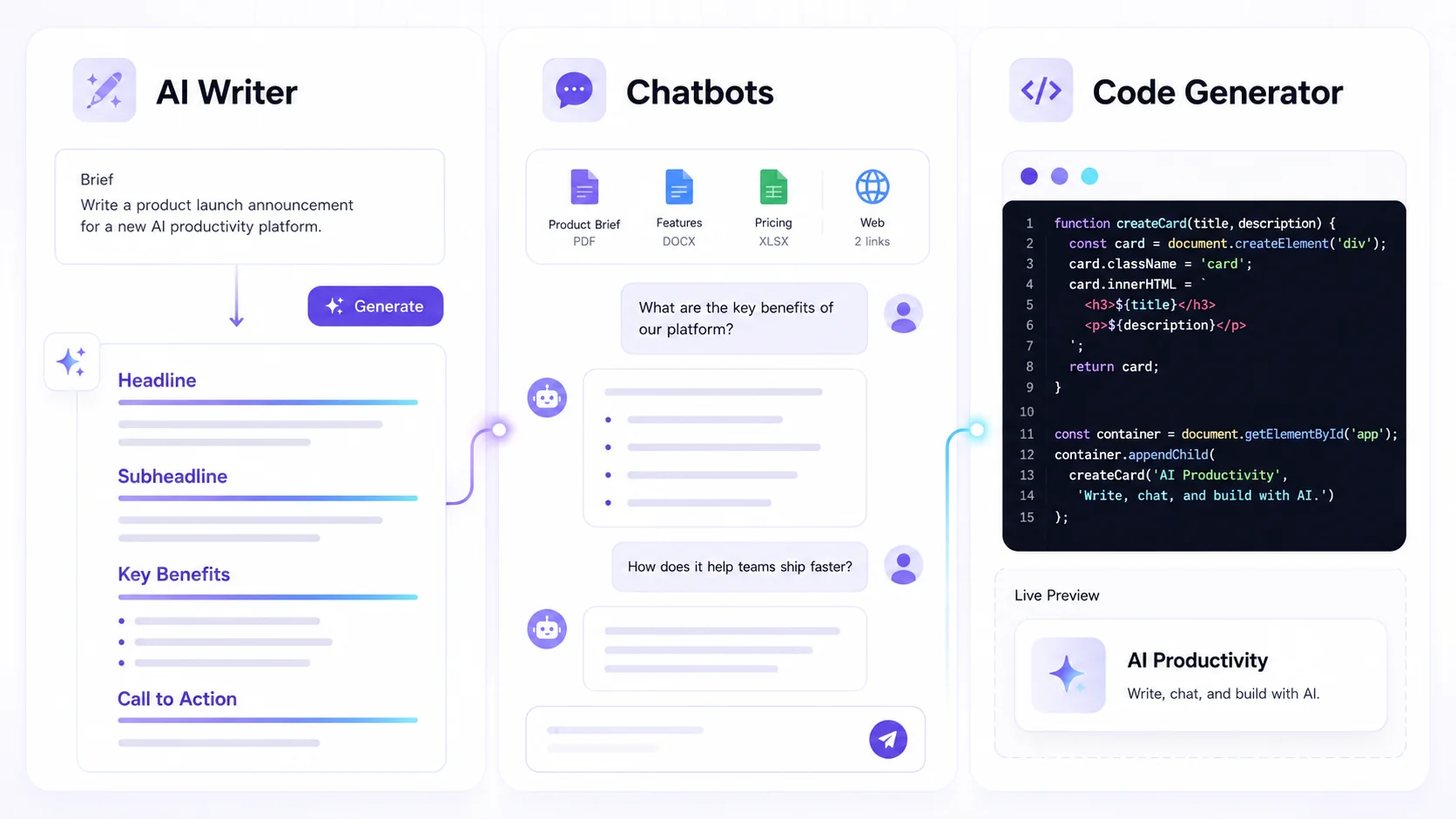
Upload that material into Connect & Code, and the bot trains on it directly - no coding required. This is the step that makes a bot feel like it actually knows your product, rather than answering from general internet knowledge.
Step 3: Embed it where your customers already are
- Website chat widget, for visitors browsing your site
- Mobile app, for in-product support without leaving the flow
- Messaging platforms, for customers who'd rather message than browse a help page
Step 4: Monitor and refine
Review real conversations regularly. When the bot gives a weak or incorrect answer, that's a signal to add or clarify source material - the bot keeps improving as your documentation does. See a full example in our support chatbots solution.
“Our support chatbot went live in an afternoon, trained on our own docs. It now handles the majority of first-response tickets, day and night.”
Train your first chatbot today
Upload your docs and have a working chatbot embedded on your site within the hour.
What good looks like
A well-trained chatbot should handle the majority of first-contact, repetitive questions - freeing your team to focus on the complex cases that actually need a human. That's the realistic bar to aim for, not full automation of every support interaction.
Ready to try it yourself?
Create a free Textalky account - no credit card required - and put this into practice.
Start creating for free