How to Clone Your Voice with AI (Step-by-Step)
Voice cloning sounds like science fiction until you've done it once. Here's exactly how the process works, from sample to finished narration.
7 min read · February 2, 2026
Voice cloning used to require hours of studio recording. Today, a single clean sample - sometimes as short as a few minutes - is enough for an AI model to learn your voice's tone, pacing, and character well enough to narrate an entire script convincingly.
Step 1: Record a clean sample
Quality in means quality out. Record in a quiet room, speak naturally at a normal pace, and avoid background music or overlapping voices. A few minutes of varied, natural speech - not a monotone reading - gives the model more to learn from than a short, flat sample.
Step 2: Let the model build your voiceprint
Once uploaded, Voice Cloning analyzes your sample and builds a voiceprint - a model of the specific characteristics that make your voice sound like you, not a generic narrator. This step typically takes minutes, not hours.
Step 3: Isolate and clean up the source audio
If your original sample has any background noise, running it through a Voice Isolator first improves the resulting clone's clarity - the model learns your voice more precisely when the source audio is clean.
Step 4: Generate and refine
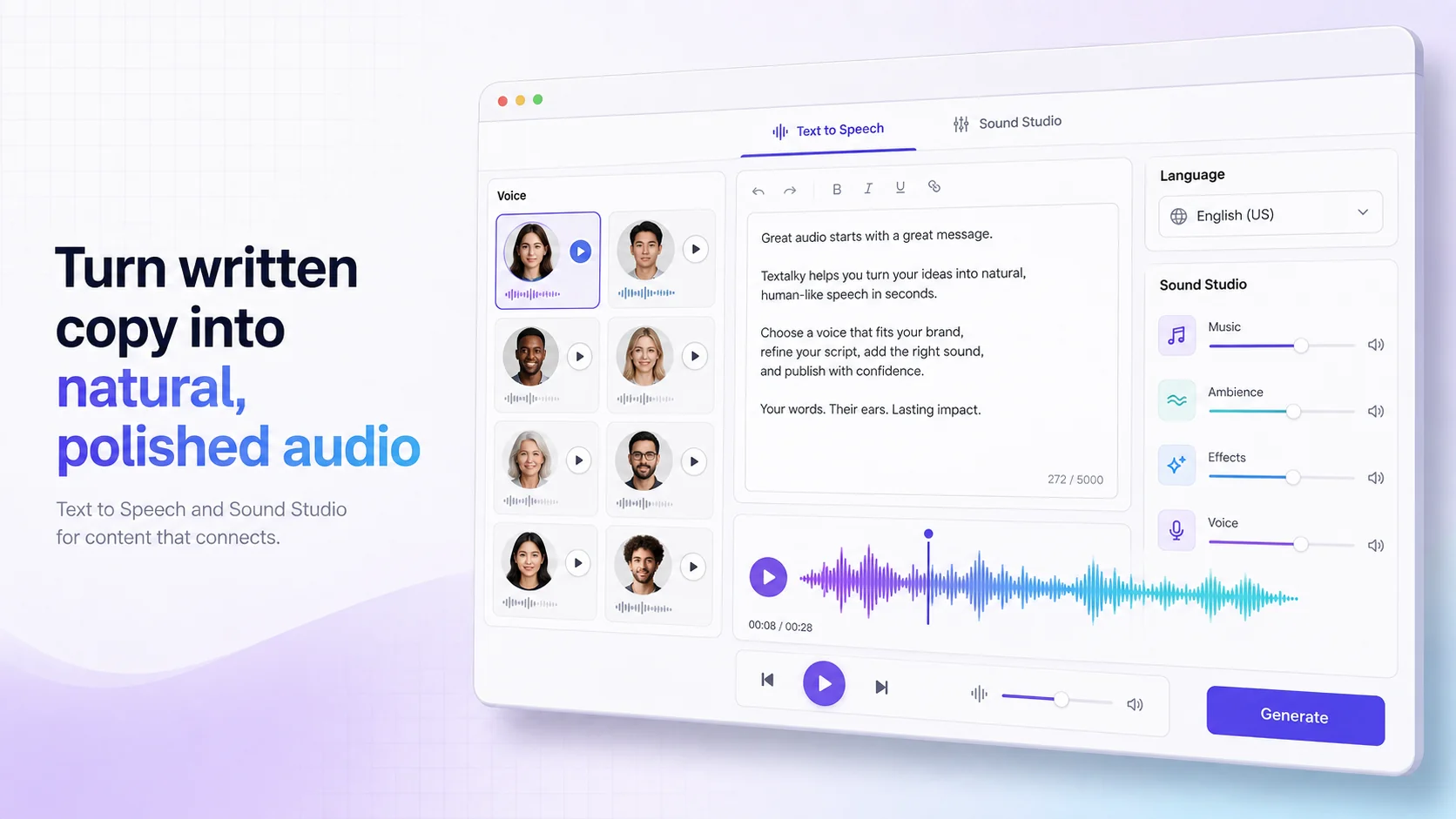
From here, you can generate narration for any script in your own cloned voice, in any of 150+ supported languages, and refine pacing or emphasis the same way you would with a standard AI narrator.
- Podcasters use it to narrate an entire season without re-booking studio time for every episode
- Course creators use it to keep a consistent instructor voice across dozens of lessons
- Multilingual creators use it to narrate the same script in several languages, in their own voice
“The voice cloning is uncanny. I record one sample and narrate a full podcast season in my own voice - in three languages. It's cut our production time by more than half.”
Using voice cloning responsibly
Only clone a voice you have clear consent to use - your own, or someone else's with their explicit permission. Textalky's Acceptable Use terms require consent for any voice cloning, and we monitor for misuse of the feature.
Clone your voice in minutes
Upload a sample and hear your own voice narrate a script, on Textalky's free plan.
Ready to try it yourself?
Create a free Textalky account - no credit card required - and put this into practice.
Start creating for free