Transform Your Customer Support with an AI Chatbot for Your Small Business
Small businesses can now offer instant, 24/7 customer support with AI chatbots. Learn how to implement this technology to enhance customer satisfaction and streamline operations.
10 min read · August 31, 2026
Transform Your Customer Support with an AI Chatbot for Your Small Business
Small businesses often wear many hats. You're the CEO, the marketing department, and frequently, the entire customer service team. This can lead to a common, frustrating problem: struggling to provide timely and consistent customer support. When your team is stretched thin, inquiries can pile up, leading to missed sales opportunities and unhappy customers. You need a way to handle customer questions efficiently without needing a large support staff.
This is where an AI chatbot for customer support becomes a powerful ally. For small businesses, it's not about replacing human interaction entirely, but about augmenting your capabilities. An AI chatbot can act as your tireless front-line support agent, available 24/7 to answer common questions, guide customers, and free up your valuable human resources for more complex issues.
Why Your Small Business Needs an AI Chatbot for Support
The core challenge for many small businesses is resource limitation. You have a limited budget, a limited number of employees, and limited time. Providing round-the-clock customer support, handling peak inquiry times, and ensuring every customer receives a consistent, accurate answer can feel impossible.
An AI chatbot directly addresses these constraints. It offers:
- 24/7 Availability: Customers don't operate on your business hours. An AI chatbot ensures that no matter when a question comes in, an answer is available. This is crucial for building trust and customer loyalty, especially in a global or online marketplace.
- Instant Responses: Long wait times are a major source of customer frustration. Chatbots can respond immediately to common queries, resolving simple issues in seconds and improving the overall customer experience.
- Consistent Information: Human agents can sometimes provide slightly different answers, especially for frequently asked questions. An AI chatbot, trained on your approved knowledge base, delivers uniform, accurate information every time, upholding your brand's credibility.
- Scalability: As your business grows, so does the volume of customer inquiries. A chatbot can handle an increasing number of conversations simultaneously without a proportional increase in staffing costs. This scalability is vital for sustainable growth.
- Cost Efficiency: Hiring and training a dedicated customer support team can be expensive. An AI chatbot offers a more economical solution for handling a significant portion of customer interactions, allowing you to allocate budget more strategically.
By implementing an AI chatbot, you're not just adding a tool; you're investing in efficiency, customer satisfaction, and the long-term growth of your business. For more insights into how AI can streamline operations, explore AI for Small Business: 10 Ways to Save Time with Automation.
Key Features to Look For in a Customer Support AI Chatbot
Not all AI chatbots are created equal. When selecting one for customer support, especially for a small business, focus on features that directly contribute to efficiency and customer satisfaction:
- Natural Language Processing (NLP): This is the ability of the chatbot to understand and interpret human language, including variations in phrasing, slang, and even typos. Robust NLP means customers can communicate naturally without needing to use specific keywords, leading to a more intuitive and less frustrating experience.
- Training on Your Data: The most effective chatbots are those trained on your specific business information. This includes your product catalog, FAQs, knowledge base articles, and even past customer interactions. This ensures the chatbot provides accurate, contextually relevant answers specific to your business. Look for solutions that allow you to easily upload and train on your own documents.
- Integration Capabilities: A chatbot that operates in a silo is less useful. The ability to integrate with your existing CRM, helpdesk software, e-commerce platform, or knowledge base is crucial. This allows the chatbot to access customer history, log interactions, and provide a more personalized service.
- Learning and Improvement: The best AI chatbots don't just answer questions; they learn from interactions. Features like sentiment analysis and the ability to escalate complex queries to human agents, along with feedback loops, help the chatbot improve its responses over time.
- Customization and Branding: For small businesses, maintaining brand consistency is important. The ability to customize the chatbot's appearance, tone, and personality to match your brand voice ensures a cohesive customer experience.
- Analytics and Reporting: To understand the chatbot's effectiveness, you need data. Features like conversation logs, performance metrics (resolution rate, response time), and customer feedback analysis are essential for monitoring and optimizing its performance.
Choosing a chatbot with these features will ensure it not only answers questions but also enhances your customer relationships and operational efficiency.
Setting Up Your AI Chatbot: A Step-by-Step Guide
The thought of setting up an AI chatbot might sound daunting, especially if you're not technically inclined. However, modern AI platforms are designed with user-friendliness in mind, making it accessible for small business owners. Here's a simplified guide:
- Define Your Chatbot's Purpose: What do you want your chatbot to achieve? Is it to answer FAQs, guide users through product selection, handle order inquiries, or book appointments? Clearly defining its role will shape its training and deployment. For a customer support focus, prioritize common questions and troubleshooting.
- Gather Your Training Data: This is the most critical step for an effective chatbot. Collect all relevant information your chatbot will need to answer questions accurately. This includes:
- Your company's FAQ page.
- Product descriptions and specifications.
- Service details and pricing.
- Return policies and shipping information.
- Troubleshooting guides.
- Any relevant internal documentation.
The more comprehensive and well-organized your data, the smarter your chatbot will be. Many platforms, like Textalky, allow you to upload documents directly, creating a powerful support chatbot trained on your docs.
- Choose Your Platform and Configure: Select an AI platform that meets your needs. Consider ease of use, features, and pricing. Once you have your platform, you'll typically upload your training data and configure basic settings like the chatbot's name, avatar, and initial greeting.
- Train Your Chatbot: After uploading your data, the platform will process it to build the AI's knowledge base. This process might take a few minutes to a few hours, depending on the amount of data and the platform's capabilities.
- Test Thoroughly: Before going live, rigorously test your chatbot. Ask it a wide range of questions, including common ones, variations, and even tricky or ambiguous queries. Check for accuracy, tone, and completeness of answers. Identify areas where it struggles and refine the training data or configuration.
- Deploy Your Chatbot: Once you're satisfied with its performance, you can deploy the chatbot on your website, social media channels, or messaging apps. Most platforms provide simple embed codes or integrations.
- Monitor and Refine: Deployment is not the end. Continuously monitor your chatbot's performance, review conversation logs, and gather customer feedback. Use this information to update its training data, improve its responses, and expand its capabilities. For a more in-depth understanding of the setup process, you might find AI Chatbots for Business: Complete Setup Guide helpful.
By following these steps, even a small business owner without extensive technical expertise can successfully implement an AI chatbot for customer support.
Integrating Your Chatbot with Other Business Tools
A standalone AI chatbot is useful, but its true power is unlocked when it's integrated with your other business systems. This creates a more connected and efficient customer service ecosystem.
- CRM Integration: Connecting your chatbot to your Customer Relationship Management (CRM) system allows it to access customer history. If a customer asks a question, the chatbot can see their past purchases, support tickets, or interactions, enabling more personalized and informed responses. It can also log the current chat conversation directly into the customer's record for a complete view.
- Knowledge Base Integration: If you maintain a separate knowledge base, integrating your chatbot ensures it can pull the most up-to-date information from that source. This keeps your chatbot's responses consistent with your official documentation and reduces the need to maintain two separate knowledge stores.
- E-commerce Platform Integration: For businesses selling products online, integrating with your e-commerce platform allows the chatbot to check order status, track shipments, process returns, or even recommend products based on browsing history.
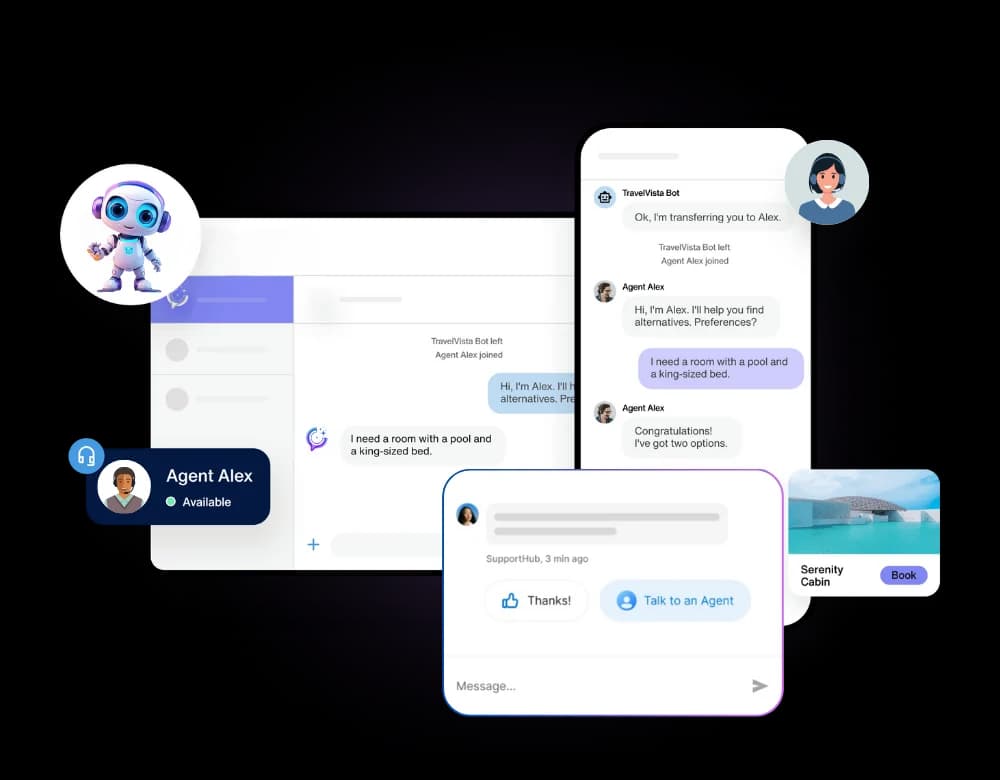
- Helpdesk/Ticketing System Integration: When a chatbot can't resolve an issue, it should seamlessly hand it over to a human agent. Integration with your helpdesk system ensures that complex queries are escalated with all the necessary context, so the customer doesn't have to repeat themselves.
Platforms like Textalky understand the importance of this connectivity. Their integrated studio approach means that tools like AI Chat are part of a larger suite, designed to work together. This reduces the complexity and cost of managing multiple separate subscriptions and integrations, offering a more streamlined experience for small businesses.
Measuring the Success of Your AI Customer Support
Implementing an AI chatbot is only the first step; measuring its effectiveness is crucial for understanding its return on investment and identifying areas for improvement. Key metrics to track include:
- Resolution Rate: What percentage of customer inquiries does the chatbot successfully resolve without needing human intervention? A high resolution rate indicates the chatbot is well-trained and effectively handling common queries.
- Response Time: How quickly does the chatbot respond to initial inquiries and subsequent messages? This is a direct measure of the instant support benefit.
- Customer Satisfaction (CSAT) Scores: After an interaction, ask customers to rate their experience. This can be a simple star rating or a short survey. Low scores might indicate issues with the chatbot's responses, understanding, or the escalation process.
- Escalation Rate: What percentage of conversations are handed over to human agents? While some escalation is expected, a consistently high rate might suggest the chatbot needs better training or is being asked to handle issues beyond its scope.
- Cost Savings: Compare the cost of your AI chatbot solution (including subscription fees and any setup time) against the cost of handling the same volume of inquiries with human agents. This can include reduced staffing needs, lower training costs, and increased agent productivity.
- Engagement Metrics: Track how many customers interact with the chatbot, the duration of conversations, and which topics are most frequently discussed. This provides insights into customer needs and chatbot usage patterns.
By regularly analyzing these metrics, you can fine-tune your chatbot's performance, ensure it's meeting your business objectives, and demonstrate its value to your organization.
Beyond Support: Expanding AI's Role in Your Business
While an AI chatbot can significantly transform your customer support, the potential of AI for small businesses extends far beyond this single application. Think of it as a foundational step into a broader world of automation and creative assistance.
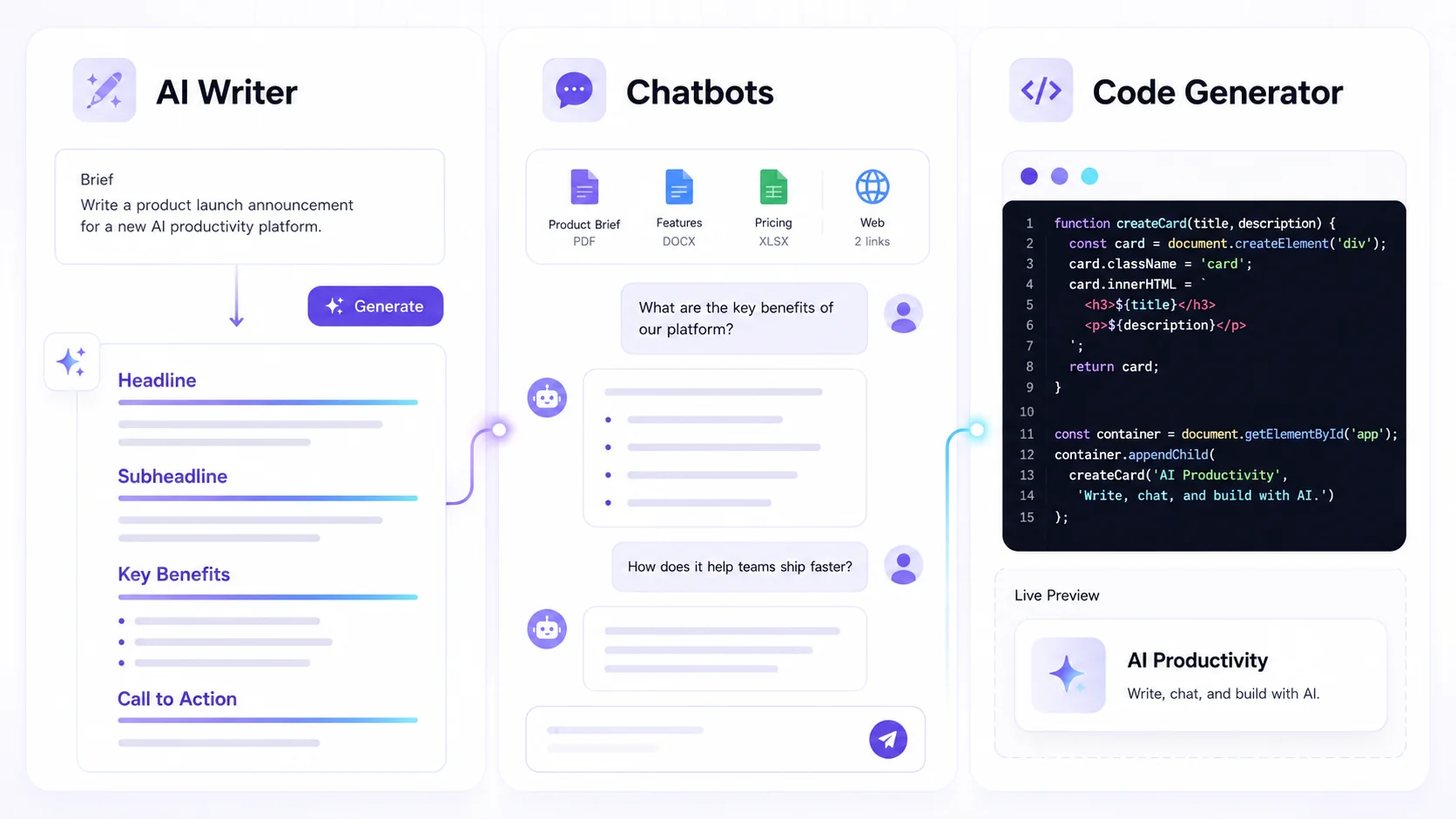
Many small businesses struggle with creating compelling marketing content, producing professional-sounding voiceovers for videos or podcasts, or even generating code snippets for simple tasks. These are all areas where AI tools can provide immense value, saving you time and money compared to hiring external specialists.
An integrated AI creative studio, like Textalky, offers a unified platform where you can access a wide array of AI-powered tools under a single subscription. This means you can use the same system that powers your customer support chatbot to also write blog posts, generate marketing copy, create AI music, design visuals, and even produce video content. This approach is far more efficient than subscribing to multiple separate AI tools, each with its own interface, billing, and potential integration headaches. Explore the benefits of All-in-One AI Creative Studio vs. Stacking Separate Tools to understand this further.
By embracing AI across different facets of your business, you can achieve greater operational efficiency, enhance your marketing efforts, and free up your time to focus on strategic growth and customer relationships. Discover all the ways Textalky can support your business by exploring all plans and current pricing.
Frequently asked questions
What is an AI chatbot for customer support?
An AI chatbot for customer support is a software program that uses artificial intelligence, particularly natural language processing, to understand and respond to customer inquiries. It can be integrated into websites, apps, or messaging platforms to provide automated assistance, answer common questions, and guide users, mimicking human conversation to a degree.
How can an AI chatbot benefit a small business specifically?
For small businesses, an AI chatbot offers critical benefits by overcoming resource limitations. It provides 24/7 availability, instant responses to customer queries, consistent and accurate information, and the ability to scale support operations without a significant increase in staffing costs. This leads to improved customer satisfaction, reduced operational expenses, and frees up valuable human resources for more complex tasks.
Do I need technical expertise to set up an AI chatbot for my business?
Modern AI chatbot platforms are designed to be user-friendly, even for those without extensive technical backgrounds. While some technical understanding is always beneficial, many platforms offer intuitive interfaces for gathering training data, configuring settings, and deploying the chatbot. The ability to train on your own documents, as offered by solutions like Textalky, simplifies the process considerably, making AI chatbot implementation accessible to small business owners.
Ready to enhance your customer support and streamline your operations? Implementing an AI chatbot can be a significant step towards achieving these goals. By choosing a comprehensive solution, you can manage customer inquiries more effectively, improve satisfaction, and reduce costs.
If you're looking for an integrated AI creative studio that combines powerful AI chatbot capabilities with a suite of other essential tools for content creation, voiceovers, and more, Textalky is worth comparing. Explore how our all-in-one approach can simplify your technology stack and boost your business efficiency.
Take the next step towards smarter customer support and explore the possibilities. Sign up for Textalky today and discover how AI can transform your small business. Sign Up Now
Ready to try it yourself?
Create a free Textalky account - no credit card required - and put this into practice.
Start creating for free