Build an AI Chatbot That Searches the Web: Your Guide to Smarter Conversations
Discover how to build an AI chatbot capable of searching the web to deliver current information. Explore the capabilities and integration possibilities for smarter, more informed interactions.
9 min read · August 31, 2026
Build an AI Chatbot That Searches the Web: Your Guide to Smarter Conversations
Your customers expect answers now. They expect those answers to be correct and current. But what happens when your chatbot, built on a static knowledge base, can only offer information from last year, or even last month? This is the frustration many businesses face. Traditional chatbots, limited by their pre-programmed data, quickly become outdated, leading to user disappointment and missed opportunities. In today's rapidly changing digital landscape, the demand is clear: AI chatbots need to access and process live web information to deliver timely, relevant, and accurate responses.
The Need for Web-Aware AI Chatbots
The limitations of conventional chatbots are becoming increasingly apparent. They operate on a fixed dataset, meaning their knowledge is frozen at the time of their last update. This is a significant drawback for any business where information changes frequently, such as news, market trends, product updates, or even current event details. When a user asks a question about something that has happened since the chatbot's last training, the bot is effectively useless, or worse, it might provide misleading or incorrect information.
This gap in knowledge breeds user frustration. Imagine asking a support bot about the latest software patch or a marketing bot about current social media trends, only to receive an answer that is weeks or months old. The user's experience degrades, and their perception of the business's competence suffers.
The market is shifting towards AI solutions that can break free from these static limitations. Businesses are actively seeking AI that can tap into the vast, dynamic ocean of the internet. This "web-aware" capability allows chatbots to go beyond their internal datasets, retrieve real-time information, and synthesize it into coherent, up-to-date answers. This not only resolves user queries more effectively but also opens up new possibilities for AI applications, from dynamic market analysis to hyper-personalized customer interactions.
How AI Chatbots Search the Web
Enabling an AI chatbot to search the web involves a sophisticated interplay of technologies and processes. It's not simply about plugging a search engine into a conversational interface. Instead, it’s about building a system that can understand a user's query, formulate effective search queries, process the retrieved web content, and then present the information in a natural, conversational manner.
At its core, this capability relies on natural language processing (NLP) to interpret the user's intent. Once the intent is understood, the AI can construct relevant search queries. These queries are then sent to web search engines or specific web scraping tools. The retrieved results are typically in the form of raw web pages, articles, or data snippets.
The next crucial step is data extraction and synthesis. The AI must be able to parse the unstructured text from these web sources, identify the key information pertinent to the user's original question, and filter out irrelevant content. This often involves advanced AI models trained to understand context, identify entities, and summarize information. The AI then synthesizes this extracted data, often combining information from multiple sources, to formulate a coherent and accurate response.
This entire process needs to be fast and efficient. Users expect near-instantaneous answers, so the AI must be able to perform these complex operations in real-time. Furthermore, the AI needs to be able to handle ambiguity, refine its search based on initial results, and even ask clarifying questions if the initial query is too vague. This iterative process of querying, processing, and responding is what makes a web-aware chatbot truly intelligent and useful.
Textalky's Integrated Approach to Web-Searching Chatbots
Many businesses find themselves juggling multiple subscriptions for different AI tools - one for writing, another for voiceovers, a third for image generation, and yet another for chatbots. This fragmented approach is not only costly but also inefficient, requiring complex integrations and workflows. Textalky offers a different path: an all-in-one AI creative studio where every workflow lives in one interface under a single subscription.
This unified approach extends to building AI chatbots that can search the web. Textalky integrates this powerful capability through its AI Chat and External Chatbots features, both accessible within the same platform.
The AI Chat feature provides a foundation for conversational AI. However, when you need your chatbot to access and utilize current information from the internet, Textalky's External Chatbots come into play. This feature is designed specifically to empower you to create chatbots that can go beyond a static knowledge base.
Crucially, Textalky allows you to train these external chatbots on your own documents. This means you can combine the real-time data-fetching capabilities of web searching with the specific, proprietary information relevant to your business. For instance, a customer support bot can access the latest product manuals and FAQs from your internal documentation while also pulling current troubleshooting tips or software update announcements from relevant web pages.
By housing these advanced chatbot functionalities alongside a comprehensive suite of other AI creative tools - from AI writing and voiceovers to image and video generation - Textalky eliminates the need for disparate subscriptions. You can build, train, and deploy web-aware chatbots as part of a larger, cohesive creative strategy, all from a single, intuitive interface.
Use Cases for Web-Searching Chatbots
The ability for an AI chatbot to search the web unlocks a vast array of practical applications across various business functions. Instead of being limited to pre-defined answers, these dynamic bots can provide current, relevant, and often personalized information.
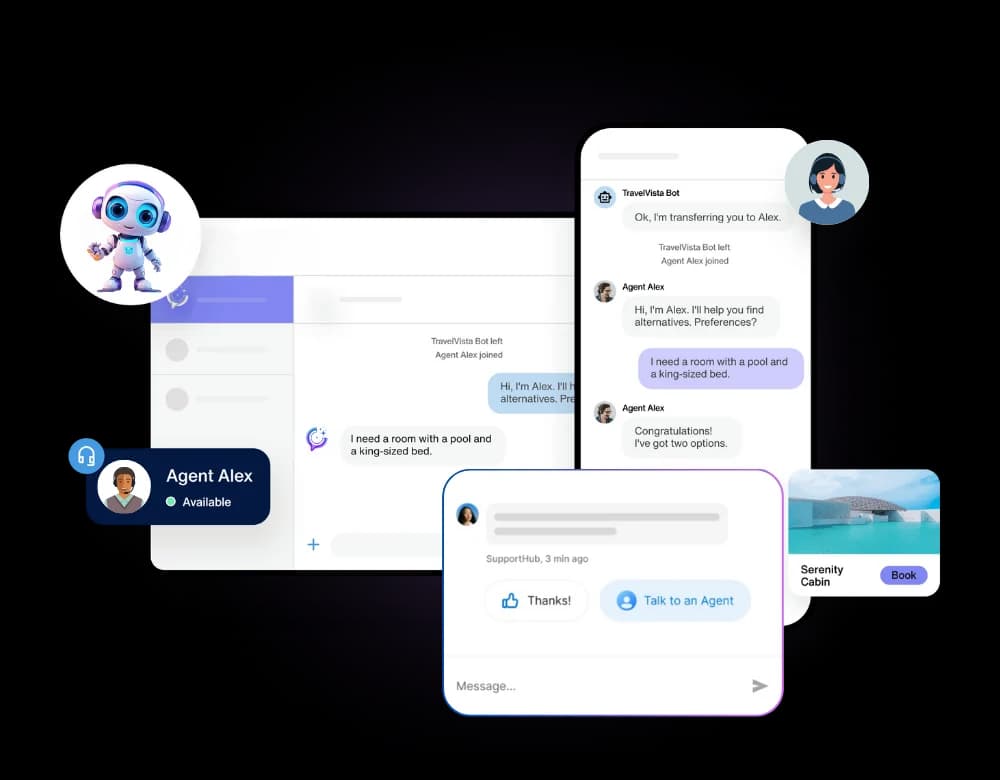
- Enhanced Customer Support: Imagine a customer asking about the latest pricing changes for a service, the current status of a shipping delay, or the newest features in a software update. A web-aware chatbot can instantly search for this information, providing accurate, real-time answers. This dramatically improves customer satisfaction and reduces the burden on human support agents. Businesses can deploy support chatbots trained on your docs that also have the ability to query the live web for the most up-to-date public information.
- Real-Time Market Research: Marketing teams can leverage web-searching chatbots to monitor competitor activities, track industry trends, analyze social media sentiment in real-time, or gather current news relevant to their campaigns. This provides immediate insights that can inform strategic decisions and content creation.
- Dynamic Content Generation: Content creators can use these chatbots as research assistants. Need to write a blog post about a breaking news event or a rapidly evolving technological trend? The chatbot can fetch the latest articles, data, and expert opinions, providing a rich foundation for your content.
- Lead Qualification and Sales Assistance: A chatbot on your website can engage potential customers by answering questions about current product availability, recent promotions, or industry benchmarks. This real-time data access makes the interaction more valuable and can help qualify leads more effectively.
- Educational and Training Tools: For e-learning platforms or internal training programs, chatbots can provide up-to-the-minute information on evolving subjects, ensuring that learners are always working with the most current data available.
These examples highlight how a web-searching AI chatbot moves beyond simple Q&A to become an intelligent assistant capable of navigating and utilizing the live internet.
Setting Up Your Web-Searching Chatbot with Textalky
Creating an AI chatbot that can access the web with Textalky is designed to be a straightforward process, even for those without deep technical expertise. The platform's intuitive interface guides you through the necessary steps, allowing you to leverage its powerful AI capabilities without getting lost in complex configurations.
- Access the Chatbot Features: Log in to your Textalky account. Navigate to the "Connect and Code" section and select either "AI Chat" or "External Chatbots," depending on your specific needs. For web-searching capabilities, you'll primarily focus on the "External Chatbots" feature.
- Define Your Chatbot's Purpose: Before diving into setup, consider what you want your chatbot to achieve. Will it handle customer queries, provide marketing insights, or assist with content research? This clarity will help you configure the chatbot's training data and parameters.
- Integrate Your Knowledge Base: One of Textalky's key strengths is the ability to train your chatbot on your own documents. Upload relevant PDFs, text files, or other documents containing your business's specific information. This ensures the chatbot has access to your proprietary data.
- Configure Web Access: Within the External Chatbots settings, you will find options to enable real-time web searching. This allows the chatbot to query the internet when it needs information beyond its trained documents. Textalky handles the technical integration, so you don't need to set up complex APIs or web scraping scripts yourself.
- Customize and Test: Configure the chatbot's personality, response style, and any specific rules or guardrails. Textalky provides tools to test your chatbot's performance, allowing you to refine its responses and ensure it's providing accurate and relevant information. You can iterate on its training and settings until you are satisfied.
- Deploy Your Chatbot: Once configured and tested, Textalky makes it easy to deploy your chatbot. You can embed it onto your website, integrate it into other applications, or use it within the Textalky platform itself.
For a more detailed walkthrough, you can refer to guides like AI Chatbots for Business: Complete Setup Guide. Textalky offers a range of plans to suit different needs and budgets, from free to professional tiers. You can explore all plans and current pricing to find the best fit for your business.
Beyond Chat: Textalky's All-in-One Creative Studio
The power to create AI chatbots that can search the web is a significant capability, but it's just one piece of the puzzle that Textalky offers. The true value of Textalky lies in its comprehensive nature as an all-in-one AI creative studio. Instead of subscribing to separate services for AI writing, voice generation, image creation, video production, and chatbot development, Textalky consolidates these powerful tools into a single, unified platform.
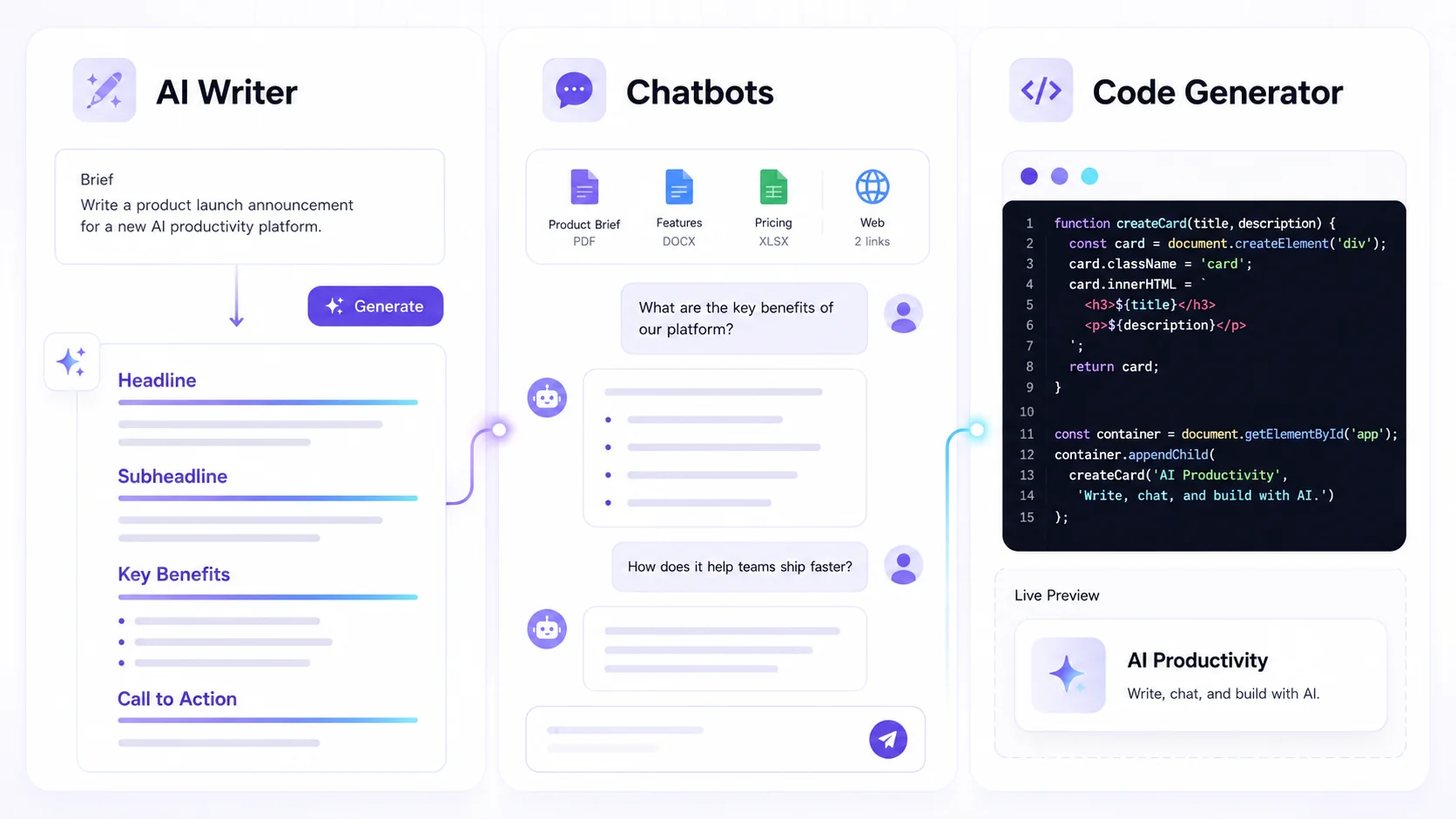
This integrated approach means you can streamline your entire creative workflow. Imagine generating a blog post with the AI Writer, creating a voiceover for it using AI Voiceover, designing accompanying visuals with AI Image, and then building a chatbot that can answer questions about that very content, all within the same account. This synergy not only saves time and money but also ensures consistency across your content and marketing efforts.
Choosing an all-in-one solution like Textalky over stacking separate tools offers distinct advantages. It simplifies management, reduces costs associated with multiple subscriptions, and fosters a more cohesive creative process. For businesses looking to harness the full potential of AI without the complexity of managing a patchwork of services, Textalky presents a compelling, integrated solution. You can learn more about the benefits of this approach in our article, All-in-One AI Creative Studio vs. Stacking Separate Tools.
Frequently asked questions
Can an AI chatbot really search the web for current information?
Yes, advanced AI chatbots can be designed to search the web for current information. Instead of relying solely on a static, pre-programmed knowledge base, these chatbots can query search engines or specific web resources in real-time. They then process the retrieved data to provide users with up-to-date answers, going beyond the limitations of older chatbot technologies.
How does Textalky enable AI chatbots to access live web data?
Textalky integrates web-searching capabilities into its AI chatbot features, specifically through its External Chatbots functionality. This feature allows you to configure chatbots that can access and process live information from the internet. Textalky handles the underlying technical integrations, enabling your chatbot to query web sources and synthesize the findings into conversational responses, complementing the data it's trained on from your own documents.
What are the main benefits of using a web-searching AI chatbot for business?
The primary benefits include providing customers with accurate, up-to-date information, which enhances user satisfaction and trust. Businesses can improve customer support efficiency by automating responses to current queries, conduct more effective real-time market research, generate timely content based on current events, and enhance lead qualification processes. Ultimately, it allows businesses to offer more dynamic and relevant interactions with their audience.
Building an AI chatbot that can tap into the live internet is no longer a futuristic concept but a practical necessity for businesses aiming to provide exceptional, up-to-date service and insights. Textalky's integrated platform offers a powerful and accessible way to achieve this, combining web-searching intelligence with a full suite of creative AI tools.
If you're looking to upgrade your customer interactions, streamline your research, or simply provide more accurate information, Textalky provides the tools you need in one convenient place. We encourage you to explore how Textalky can empower your business by signing up today.
Ready to try it yourself?
Create a free Textalky account - no credit card required - and put this into practice.
Start creating for free