AI Headshot Generator: Create Professional Portraits in Minutes
Need a professional headshot but don't have time for a photoshoot? Discover how an AI headshot generator can create custom portraits quickly and affordably.
7 min read · September 4, 2026
AI Headshot Generator: Create Professional Portraits in Minutes
Your professional headshot is often the first impression you make online. Whether it's for your LinkedIn profile, company website, professional portfolio, or marketing materials, a high-quality headshot communicates credibility, approachability, and professionalism. In a world where virtual interactions dominate, a polished headshot isn't just a nice-to-have; it's a necessity for building your personal brand. For those running a YouTube channel or other online ventures, consistent branding across all platforms starts with a strong visual identity.
Why You Need a Professional Headshot
A well-executed headshot does more than just put a face to a name. It can:
- Establish Credibility: A professional image signals that you take your career and business seriously.
- Build Trust: People are more likely to engage with individuals they can see and connect with.
- Enhance Personal Branding: It helps create a consistent and recognizable personal brand across all your online presences.
- Improve Networking: A good headshot can make you more approachable and memorable to potential clients, collaborators, or employers.
- Differentiate You: In a crowded digital space, a standout headshot can help you cut through the noise.
The Limitations of Traditional Headshots
Traditionally, obtaining a professional headshot meant scheduling a session with a photographer. While this can yield excellent results, it comes with several drawbacks:
- Cost: Professional photographers can charge significant amounts for a session, often including only a limited number of edited images. Readers should check with local professionals for current rates.
- Time Investment: Booking a photographer, traveling to a studio or location, and the session itself can take up a significant chunk of your day. Add to that the waiting time for edits and proofs, and the process can span weeks.
- Limited Flexibility: You're typically stuck with the background, lighting, and poses chosen on the day of the shoot. If your brand or style evolves, you might need to book another expensive session.
- Recurring Hassle: As your career progresses or your branding needs change, you'll likely need to update your headshot periodically, repeating the entire process.
Introducing the AI Headshot Generator
This is where AI technology steps in. An AI headshot generator is a software tool that uses artificial intelligence, specifically advanced image generation models, to create realistic and professional-looking portraits from your existing photos or detailed prompts. Instead of relying on a camera and studio, these tools analyze your features and apply sophisticated algorithms to generate new images.
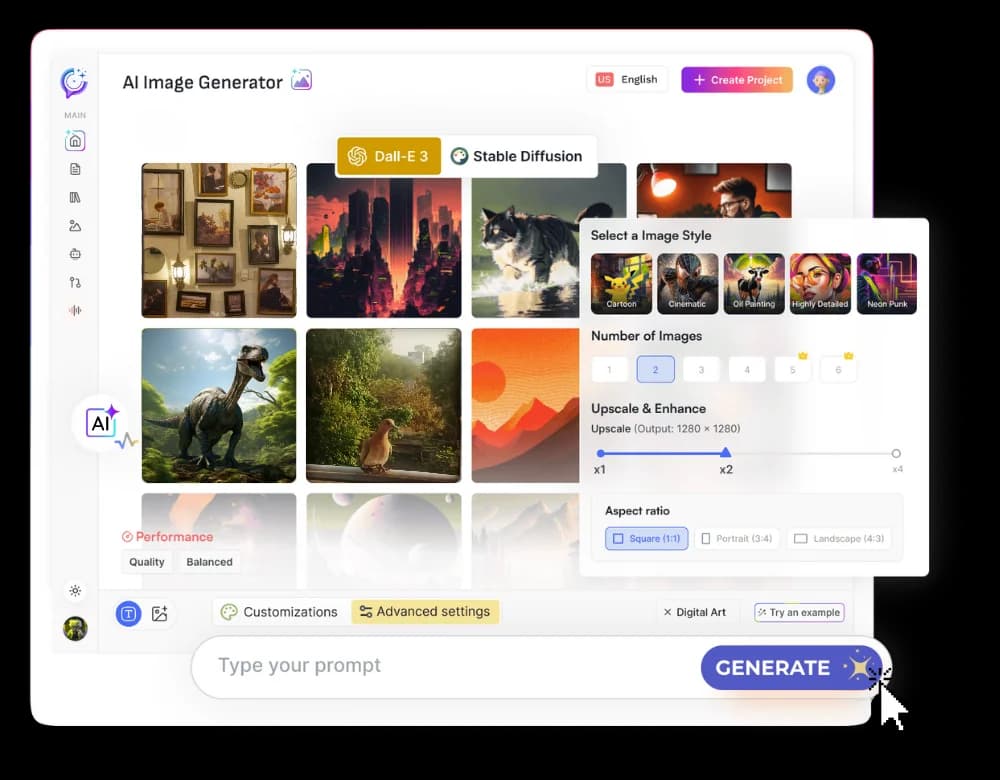
The underlying technology, often referred to as generative AI or diffusion models, has rapidly advanced. Tools like Textalky's AI Image tool allow you to upload a photo of yourself and then generate variations with different styles, backgrounds, lighting, and even attire. Alternatively, some tools can create images purely from text descriptions, though for headshots, starting with a reference photo often yields more accurate and personalized results. For a deeper dive into how these tools transform prompts into polished visuals, you can explore guides like AI Image Generator: From Prompt to Publish-Ready Visuals.
How Textalky Creates Your AI Headshots
Using Textalky's AI Image tool to generate professional headshots is a straightforward process designed for efficiency and ease of use. Here’s a step-by-step guide:
- Sign Up or Log In: Access your Textalky account. If you don't have one, you can sign up quickly.
- Navigate to AI Image: Within the Textalky dashboard, find and select the AI Image tool.
- Upload Your Photo: Upload one or more clear, well-lit photos of yourself. The more varied the angles and expressions in your uploaded photos, the better the AI can learn your features.
- Provide a Prompt: Describe the kind of headshot you want. Be specific about the style, background, attire, and mood. For example: "Professional headshot of a man in a dark suit, smiling, against a blurred office background, soft studio lighting."
- Select Style and Settings: Textalky often provides options to select artistic styles, aspect ratios, and other parameters that can influence the final output. For headshots, you'll want to focus on realistic styles.
- Generate: Click the generate button. The AI will process your input and create a set of unique headshot variations.
- Review and Refine: Browse the generated images. Select the ones you like best, or use them as inspiration to refine your prompt for a new generation. You can often generate multiple batches until you achieve the perfect result.
- Download: Once you're satisfied, download your chosen headshots in high resolution.
This iterative process allows for a high degree of customization. You can experiment with different professional settings, experiment with various clothing styles, or even try different lighting conditions, all without leaving your desk.
Benefits of Using an AI Headshot Generator
The advantages of using an AI headshot generator like Textalky's AI Image tool over traditional methods are significant:
- Affordability: Compared to hiring a professional photographer, AI tools offer a dramatically lower cost. Many platforms offer free trials or low-cost subscription tiers, and one-time purchase options can provide even greater value.
- Speed: Generate multiple headshot options in minutes, not days or weeks. This is ideal for urgent needs or when you want to quickly refresh your online presence.
- Variety of Styles: Experiment with different aesthetics, backgrounds, and even artistic interpretations of your professional persona. Want a modern minimalist look, a classic corporate feel, or something more creative? AI can deliver.
- Convenience: No need to schedule appointments, travel, or worry about weather conditions. Generate your headshots anytime, anywhere, from your computer.
- Customization: Fine-tune your results by adjusting prompts, uploading different reference photos, and iterating until you achieve exactly what you envision for your personal brand.
Choosing the Right AI Image Tool for Headshots
When selecting an AI image generation tool for professional headshots, consider these factors:
- Realism and Quality: Does the tool produce photorealistic images that don't look obviously artificial? Look for tools that use advanced models capable of generating high-fidelity details.
- Customization Options: How much control do you have over the output? Can you specify backgrounds, lighting, attire, and mood?
- Ease of Use: Is the interface intuitive? Can you generate results quickly without a steep learning curve?
- Cost-Effectiveness: What are the pricing structures? Does it offer a free trial, affordable monthly plans, or a compelling one-time purchase option? Comparing pricing plans is crucial.
- Integrated Features: Does the tool offer additional creative capabilities that might be useful for your overall brand?
Textalky stands out as an all-in-one creative studio. While its AI Image tool excels at generating headshots, the platform integrates numerous other AI-powered features under a single subscription. This means you don't need separate tools for writing, voiceovers, video, or even code. This comprehensive approach offers significant value, especially when compared to subscribing to multiple single-purpose AI tools.
Beyond Headshots: Other AI Visual Creation Possibilities
The power of Textalky's AI capabilities extends far beyond just headshots. The platform's visual creation suite includes tools for generating:
- AI Images: Create any kind of visual content for marketing, social media, or conceptual art.
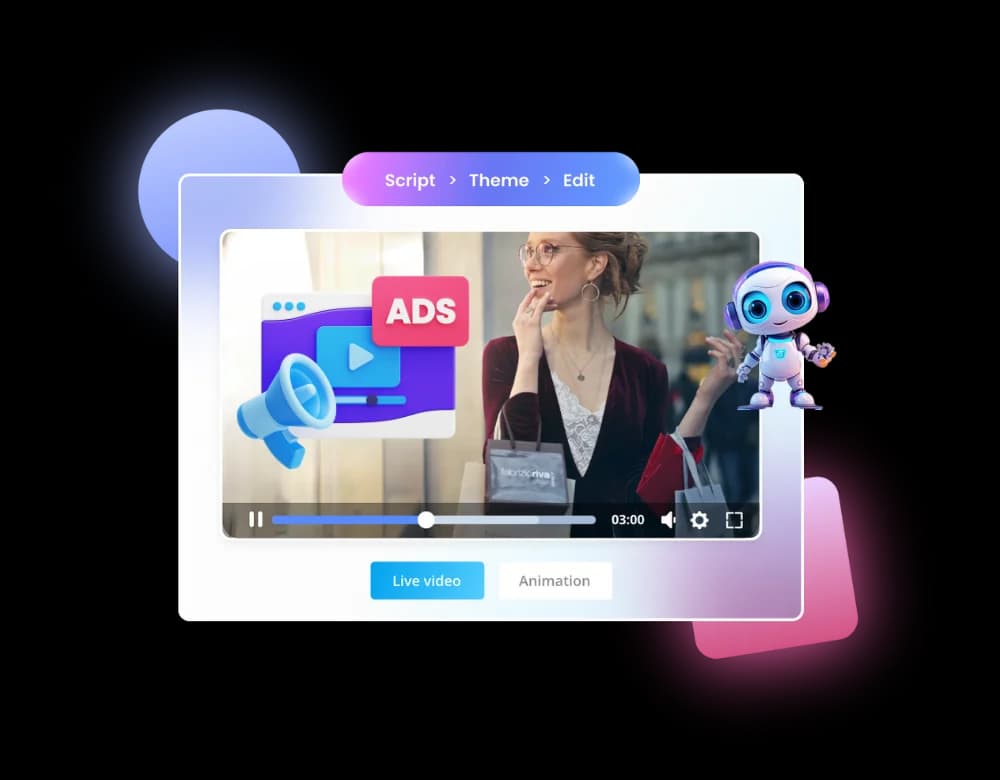
- AI Video: Generate short video clips, animations, or even longer-form content from text prompts or existing footage.
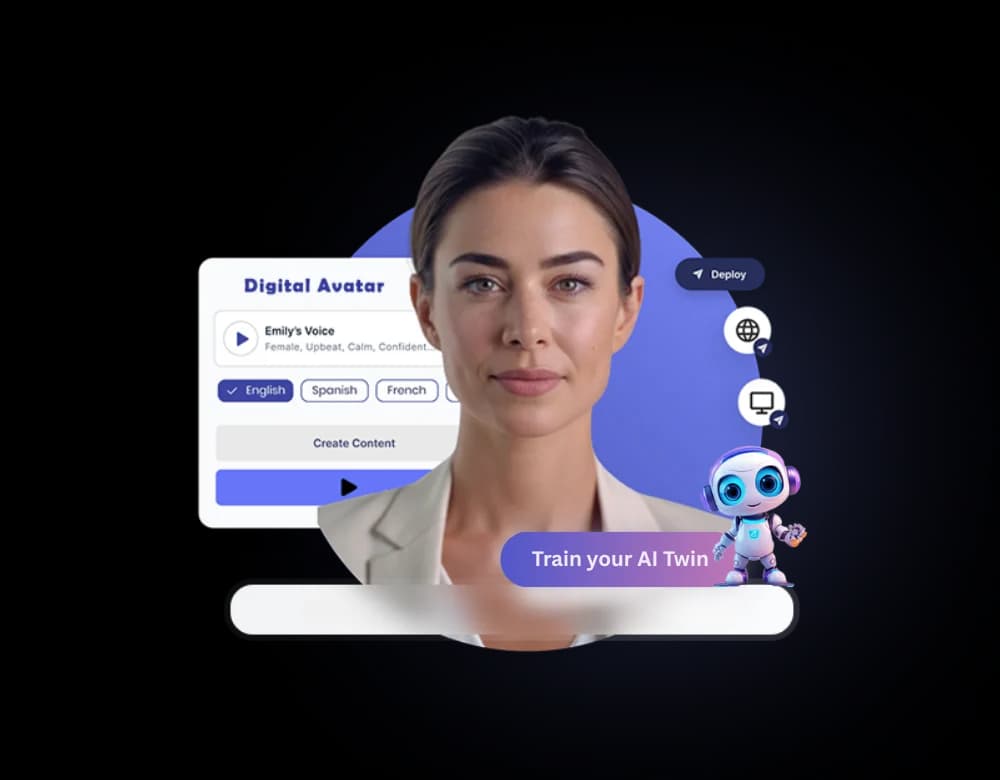
- AI Avatars: Create animated talking avatars for presentations, marketing videos, or virtual assistants.
- AI Video-to-Video: Transform existing videos into new styles or formats.
By having these tools within the same ecosystem, you can maintain a consistent visual style across all your creative projects, from your profile picture to your marketing videos and website graphics.
Frequently asked questions
How do I create a headshot using AI?
To create a headshot using AI, you typically use an AI image generation tool. The most common method involves uploading a clear photo of yourself to the tool and then providing a text prompt that describes the desired headshot. You can specify details like background, attire, lighting, and expression. The AI then uses this information to generate multiple new images based on your input.
What is the difference between an AI headshot and a real photo?
A real photo is a direct capture of reality by a camera at a specific moment. An AI headshot is a generated image created by artificial intelligence. While AI headshots can be incredibly realistic and customized, they are not direct representations of a single moment in time. The AI synthesizes features and styles based on its training data and your specific prompts, creating a digital portrait rather than a photographic one.
Can I use AI-generated headshots for professional profiles like LinkedIn?
Yes, you can use AI-generated headshots for professional profiles like LinkedIn. As long as the generated image is realistic, professional, and accurately represents you, it serves the same purpose as a traditional photograph. Many professionals are now using AI for this very reason - to get updated, polished headshots quickly and affordably. Ensure the image is high-quality and fits the platform's guidelines.
Get Started with Your AI Headshots Today
Updating your professional image no longer requires a significant investment of time or money. With an AI headshot generator, you can create polished, professional portraits in minutes, from the comfort of your home.
Textalky offers a comprehensive AI creative studio that includes a powerful AI Image tool perfect for generating headshots. And right now, you can get lifetime access to its extensive features, including advanced image generation, with a special offer.
Consider exploring the AI Lifetime Pro deal. For a one-time payment of $79, you gain lifetime access to a vast suite of AI tools, including image generation, writing assistants, voice tools, and much more. This offer provides incredible value, allowing you to create all your visual and creative content for years to come without ongoing subscription fees. It's a fantastic opportunity to equip yourself with a complete AI creative toolkit for a single, affordable price.
Don't let outdated or non-existent headshots hold back your professional image. Try Textalky today and see how easy and effective AI can be for creating your perfect professional portrait.
Ready to try it yourself?
Create a free Textalky account - no credit card required - and put this into practice.
Start creating for free