Create Stunning Social Media Images Instantly with AI
Elevate your social media presence with unique AI-generated images. This guide shows you how to create professional-looking visuals for posts, ads, and stories without needing design experience.
8 min read · August 30, 2026
The constant demand for fresh, eye-catching visuals for social media can feel like a relentless treadmill. You need graphics that stop the scroll, convey your message, and reinforce your brand identity. Yet, producing these consistently is a major hurdle. Relying on generic stock photos can make your brand feel impersonal, and manual design work eats up valuable time and often requires specialized skills. This struggle leads to uninspired social feeds, missed engagement opportunities, and a strain on your budget.
Why Your Social Media Needs Better Visuals
In the crowded landscape of social media, visual content is king. High-quality images and graphics are not just decorative; they are essential for:
- Boosting Engagement: Posts with compelling visuals receive significantly more likes, shares, and comments. They grab attention and encourage interaction.
- Enhancing Brand Recognition: Consistent, unique visuals help build a recognizable brand aesthetic. When followers see your distinct style, they immediately associate it with your brand.
- Driving Traffic and Conversions: Strong visuals can effectively communicate value propositions, highlight products or services, and encourage clicks to your website or landing pages.
- Communicating Complex Ideas Simply: A well-crafted image can often convey a message more effectively and quickly than text alone.
The limitations of traditional methods are clear. Stock photos, while accessible, often lack originality and can make your content indistinguishable from competitors. Hiring a designer or investing in complex design software can be prohibitively expensive, especially for small businesses or individuals managing multiple platforms. This is where the power of AI image generation comes into play.
Introducing the AI Image Generator for Social Media
An AI image generator is a sophisticated tool that creates unique visuals based on text descriptions, known as prompts. You describe what you want to see, and the AI interprets your words to produce an original image. For social media, this means you can generate custom graphics that perfectly match your campaign, message, or brand aesthetic, all without needing design experience.
Imagine needing an image of a "cozy coffee shop corner with a laptop and steaming mug, warm morning light, detailed illustration style." An AI image generator can bring this to life in seconds. This capability transforms visual content creation from a laborious process into an immediate, creative endeavor.
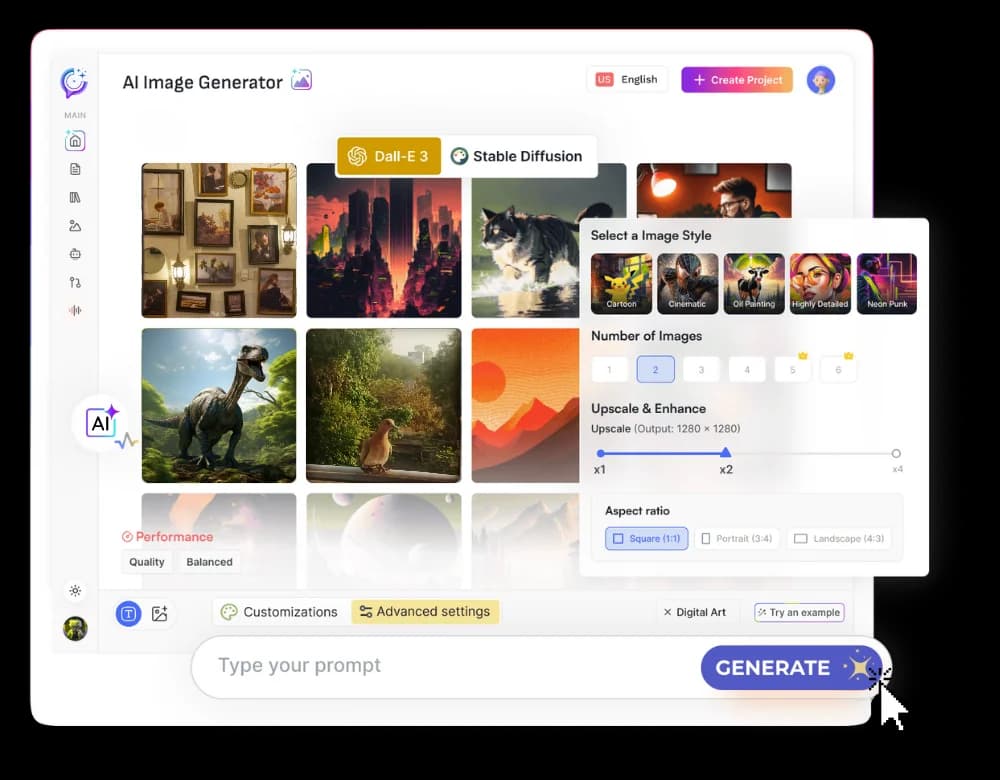
Textalky's AI Image tool is a prime example of this technology. It allows users to easily generate a wide array of visual content tailored for social media. Whether you need promotional banners, engaging infographics, or simply eye-catching posts to fill your feed, the AI image generator makes it accessible. For a deeper dive into how these tools work, check out the guide, AI Image Generator: From Prompt to Publish-Ready Visuals.
Crafting the Perfect Prompt for Social Media Graphics
The quality of the image you get from an AI generator depends heavily on the prompt you provide. Think of yourself as a director guiding an artist. The more specific and descriptive you are, the closer the AI will get to your vision. Here are key elements to consider when crafting prompts for social media graphics:
- Subject Matter: Clearly define what you want the image to depict. Be precise. Instead of "a cat," try "a fluffy ginger cat napping on a sunlit windowsill."
- Style: Specify the artistic style. Do you want a photorealistic image, a watercolor painting, a minimalist vector graphic, a retro cartoon, or a 3D render? Examples include "digital art," "line drawing," "cinematic lighting," "flat design," or "pixel art."
- Mood and Atmosphere: Use descriptive words to set the tone. Words like "joyful," "serene," "energetic," "mysterious," "nostalgic," or "futuristic" can guide the AI's interpretation.
- Color Palette: If your brand has specific colors, you can sometimes influence the output. Phrases like "using a palette of blues and greens" or "warm, autumnal colors" can be effective.
- Composition and Framing: For social media, clarity is key. You might specify "close-up," "wide shot," "overhead view," or "centered composition."
- Aspect Ratio: This is crucial for different platforms. For example, Instagram stories often use a 9:16 vertical aspect ratio, while Instagram feed posts commonly use 1:1 (square) or 4:5. Twitter and Facebook often favor horizontal images (e.g., 16:9). When using Textalky's AI Image tool, you can often specify these ratios directly in your prompt or through dedicated settings.
Examples for Social Media Post Types:
- Promotional Post: "A vibrant, flat design illustration of a shopping bag overflowing with colorful products, confetti falling, announcing a 50% off sale. Bright, exciting mood. Aspect ratio 1:1."
- Engagement Question: "A whimsical illustration of a question mark made of swirling clouds against a soft gradient sky. Gentle, curious mood. Aspect ratio 16:9."
- Announcement: "Photorealistic image of a sleek, modern smartphone screen displaying a calendar icon, with subtle motion blur suggesting activity. Clean, professional, tech-focused. Aspect ratio 4:5."
- Behind-the-Scenes: "A candid, slightly grainy photograph of hands typing on a vintage typewriter, surrounded by scattered papers. Nostalgic, creative atmosphere. Aspect ratio 16:9."
Experimentation is key. Try different phrasing, add details, and iterate based on the results to find what works best for your specific needs.
Choosing the Right AI Tool for Your Social Media Workflow
While many AI image generators exist, their utility for social media managers is amplified when integrated into a broader content creation ecosystem. Juggling multiple subscriptions for AI writing, AI voiceovers, AI video, and AI image generation can become complex and costly. This is where an all-in-one AI creative studio like Textalky offers a significant advantage.
By housing all these tools within a single interface, Textalky streamlines your workflow. You can generate an image, write a caption for it, and even create a short video using that image, all without leaving the platform. This unified approach saves time, reduces costs, and fosters a more cohesive content creation process.
For instance, you might use the AI Writer to draft a blog post, then employ the AI Image tool to create custom featured images and social media graphics for promoting that post. The AI Video feature could then be used to create short animated clips for platforms like Instagram Reels or TikTok, repurposing your content across different formats. Textalky's AI Image feature is not an isolated tool; it's a powerful component of a comprehensive content strategy.
When evaluating your options, consider how each tool fits into your overall content production. Do you need just an image generator, or would a suite of AI tools simplify your entire process? Textalky offers different plans to suit various needs and budgets, from free tiers to advanced professional options.
Beyond Static Images: Enhancing Your Social Feed
While AI image generators are fantastic for static visuals, the power of AI extends to other dynamic content formats that can make your social media presence even more engaging.
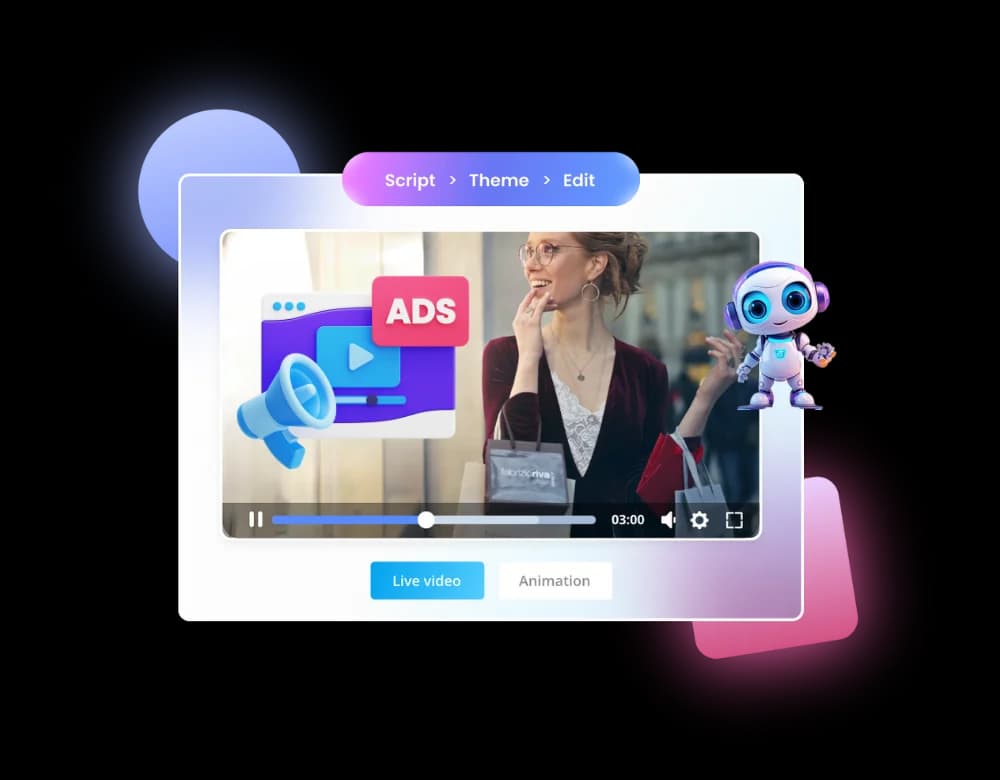
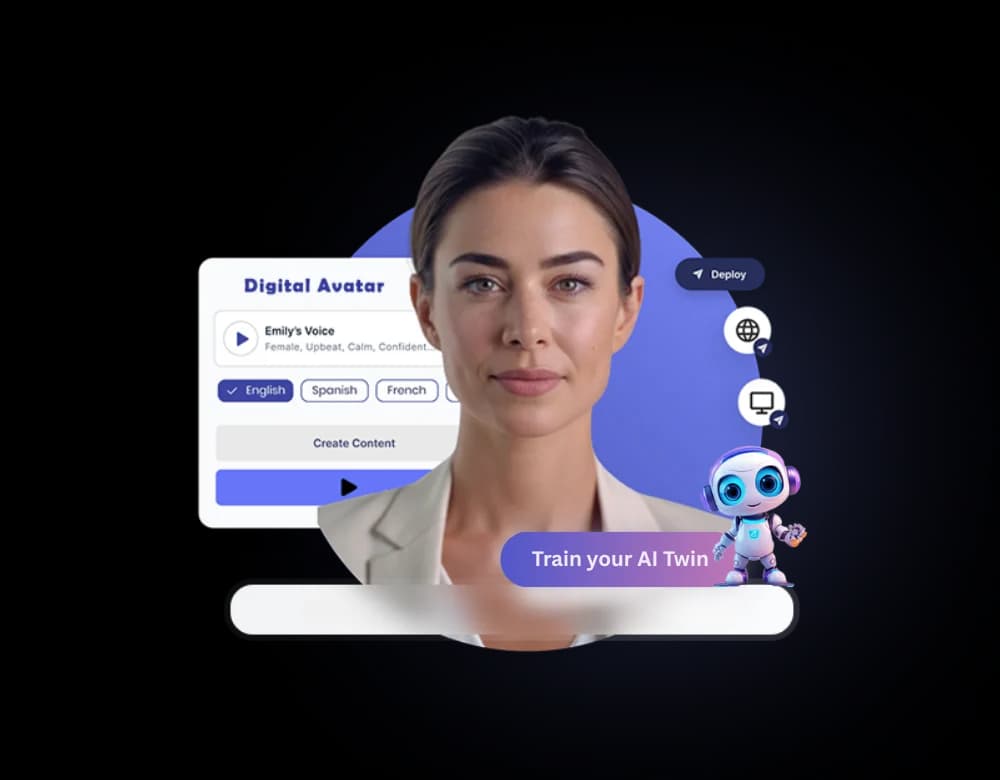
Consider using AI to create short videos. Textalky's AI Video capabilities can transform text or existing assets into engaging video content, perfect for capturing attention in fast-paced feeds. You can also explore AI-generated AI Avatars, which can present information in a more personal and human way, adding a unique dimension to your content strategy. These tools can complement your static images, offering a richer, more varied content mix that keeps your audience captivated.
Integrating AI-Generated Images into Your Social Media Strategy
Simply creating AI images is only the first step. To truly benefit, you need a strategic approach to integrate them into your social media efforts:
- Plan Your Visual Calendar: Just like any other content, plan your AI-generated images in advance. Determine the themes, topics, and promotional needs for the upcoming weeks or months.
- Maintain Brand Consistency: While AI offers endless creative possibilities, ensure your generated images align with your brand's established colors, style, and overall aesthetic. Develop a style guide for your AI prompts to achieve this.
- Experiment and Analyze: Don't be afraid to try different styles and concepts. Track the performance of your AI-generated visuals. Which types of images get the most engagement? Which prompts yield the best results? Use this data to refine your strategy.
- Automate Publishing: For platforms like WordPress, Textalky's WP Integration can streamline publishing. You can connect your Textalky account to automatically push content, including AI-generated images and their accompanying text, to your WordPress site, which can then be shared across social channels. This saves considerable time and ensures a consistent publishing schedule.
- Repurpose and Adapt: Use the flexibility of AI to adapt images for different platforms. A square image for Instagram can be easily re-prompted or edited to create a vertical version for stories or a horizontal one for Twitter.
By thoughtfully incorporating AI-generated visuals, you can elevate your social media game, create a more dynamic and engaging online presence, and achieve your marketing goals more efficiently.
Frequently asked questions
How can I use AI to create images for my social media posts?
You can use an AI image generator, like Textalky's AI Image tool, by providing it with a text description, or "prompt," of the image you want. The AI will interpret your prompt and generate a unique visual. For social media, you can create everything from promotional graphics and product mockups to engaging illustrations and eye-catching backgrounds.
What makes an AI-generated image good for social media?
A good AI-generated image for social media is visually striking, relevant to the post's content or message, and aligns with your brand's aesthetic. It should be clear, engaging, and designed to capture attention quickly within a busy feed. Specificity in your prompts, focusing on style, mood, and subject matter, is key to achieving effective results.
Do I need design skills to use an AI image generator for social media?
No, you do not need traditional design skills to use an AI image generator. These tools are designed to be accessible. Your primary skill becomes crafting descriptive text prompts to guide the AI. Textalky's interface is intuitive, making it easy for anyone to start generating visuals.
Can AI image generators create images in different aspect ratios for platforms like Instagram or Twitter?
Yes, most advanced AI image generators, including Textalky's AI Image tool, allow you to specify aspect ratios. You can generate images in square (1:1), vertical (9:16), horizontal (16:9), or other common formats suitable for different social media platforms like Instagram, Facebook, Twitter, and TikTok.
Creating consistently engaging visuals for social media no longer requires a massive budget or advanced design expertise. AI image generators offer a powerful, accessible solution, transforming how content creators and marketers approach their visual strategy.
If you're looking for a way to simplify your entire content creation process, from writing and voiceovers to images and video, consider exploring an integrated solution. Textalky provides an all-in-one AI creative studio designed to meet these diverse needs under a single subscription.
We encourage you to compare Textalky with other tools you might be using or considering. Its comprehensive feature set and unified interface can offer significant advantages in efficiency and cost-effectiveness for your social media content production.
Ready to see how AI can transform your social media visuals?
Sign up for Textalky today and start creating stunning images instantly. Create your first AI image now.
Ready to try it yourself?
Create a free Textalky account - no credit card required - and put this into practice.
Start creating for free