Add Voiceover to Video: A Simple Guide for Creators
Elevate your video content by adding compelling voiceovers. This guide shows you how to use AI tools to narrate your videos professionally, making them more engaging and accessible.
9 min read · September 4, 2026
Add Voiceover to Video: A Simple Guide for Creators
You've poured hours into crafting the perfect video. The visuals are stunning, the editing is crisp, but something is missing: a voice. Narration can transform a good video into a great one, guiding your audience, explaining complex ideas, and adding a layer of personality and professionalism. Yet, for many creators, the thought of adding voiceover conjures images of expensive studio time, complicated audio setups, and the daunting task of finding a voice actor. This guide will show you how to add high-quality voiceovers to your videos simply and affordably, no matter your skill level.
Why Add Voiceover to Your Videos?
Narration does more than just fill silence. It actively enhances your video content in several key ways:
- Boosts Engagement: A clear, compelling voice can hold your audience's attention, making them more likely to watch your video to completion. It adds a human element that connects with viewers on a deeper level.
- Improves Clarity and Understanding: For tutorials, explainers, or product demonstrations, voiceover is crucial. It allows you to break down complex information, provide step-by-step instructions, and ensure your message is easily understood.
- Enhances Accessibility: For viewers who are deaf or hard of hearing, or those who prefer to consume content without sound (common on social media), a transcript of your voiceover is essential. Even for those with full hearing, narration can clarify dialogue or technical terms.
- Professional Polish: A well-produced voiceover signals quality and attention to detail. It elevates your video from a hobbyist project to a professional production, building credibility with your audience.
- Storytelling Power: Whether you're creating marketing content, educational modules, or a personal vlog, narration is a powerful tool for storytelling. It can convey emotion, build anticipation, and create a memorable experience for your viewer.
The Traditional Way vs. AI Solutions
Historically, adding voiceover to a video involved a few distinct paths, each with its own set of challenges:
- DIY Recording: This often means setting up a microphone at home, battling background noise, dealing with echoey rooms, and spending hours editing out mistakes and improving audio quality. Achieving professional results can be a steep learning curve.
- Hiring Voice Actors: Professional voice actors deliver exceptional quality, but their services come at a significant cost, often charged by the hour or by the word. This can quickly become prohibitive for independent creators or those on a tight budget.
- Stock Voiceovers: While some options exist, they can sound generic and lack the specific tone or emotion needed for your unique content.
These methods often require separate tools for recording, editing audio, and then syncing it with your video. This fragmented workflow can be time-consuming and, when adding up the costs of different software or services, can become surprisingly expensive.
Fortunately, the advent of AI has revolutionized audio production. Advanced AI Voiceover tools offer a streamlined, affordable, and highly effective alternative. Instead of juggling multiple applications and facing high costs, you can now generate studio-quality narration directly within an integrated creative suite. This allows you to focus on your content, not the technical hurdles. For a deeper dive into this technology, explore our guide on AI Text to Speech: The Complete Guide for Creators.
Step-by-Step: Adding AI Voiceover to Your Video
Using an all-in-one AI creative studio simplifies the process of adding narration. Here’s a typical workflow:
1. Prepare Your Script: Write down exactly what you want to say. Read it aloud to check the flow and timing. Aim for clear, concise language. Consider where you might want pauses for emphasis or to allow visuals to speak for themselves.
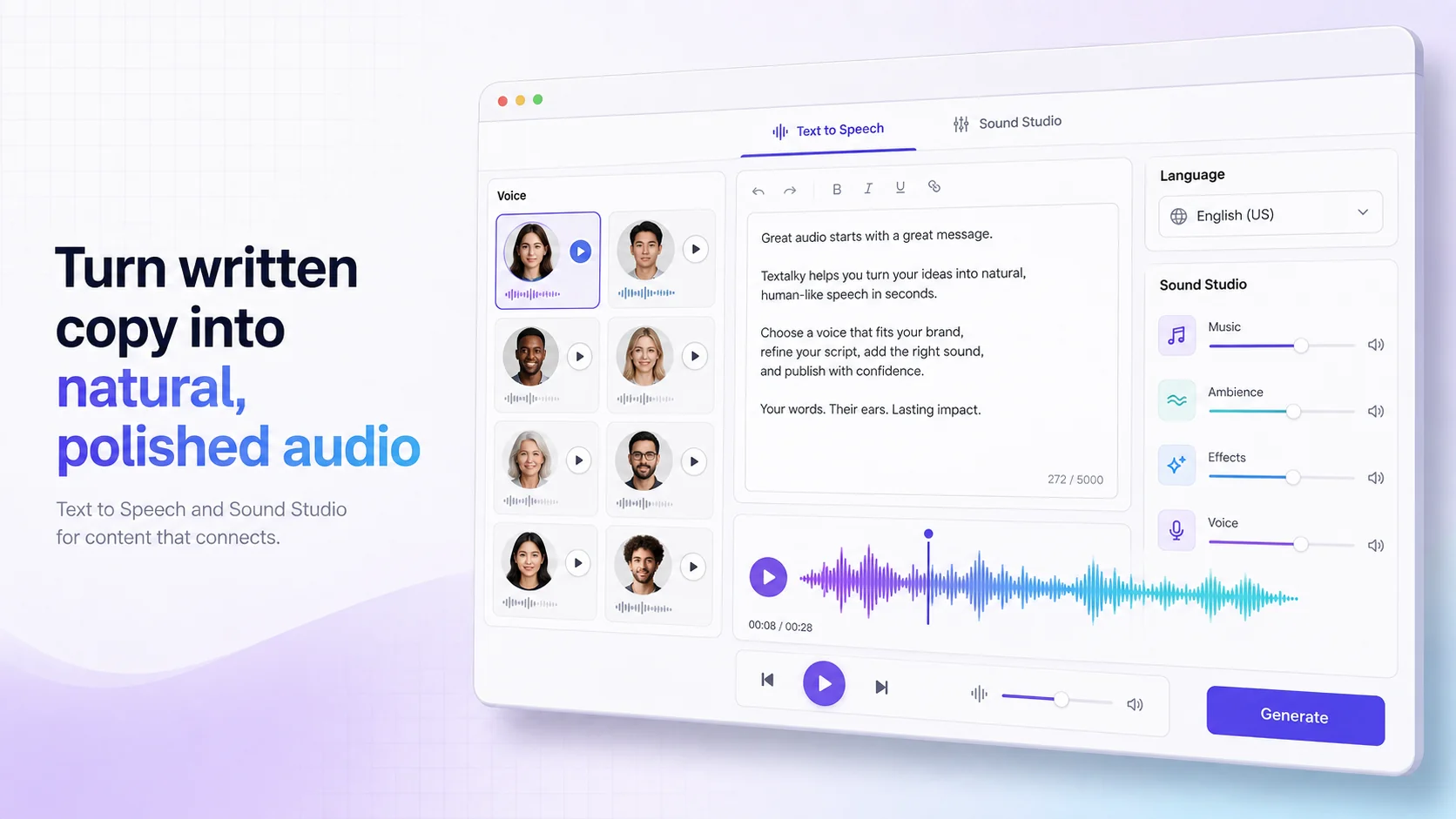
2. Select Your AI Voice: Within the AI studio, navigate to the voiceover or text-to-speech tool. You'll be presented with a library of AI voices. Browse through options, listening to samples. Consider the language, accent, gender, and emotional tone that best suits your video's subject matter and audience.
3. Generate the Audio: Paste your script into the text-to-speech interface. Select your chosen voice. Most tools offer customization options, allowing you to adjust speaking speed, pitch, and volume. Once you’re happy with the settings, generate the audio file. This process typically takes only a few seconds to a minute.
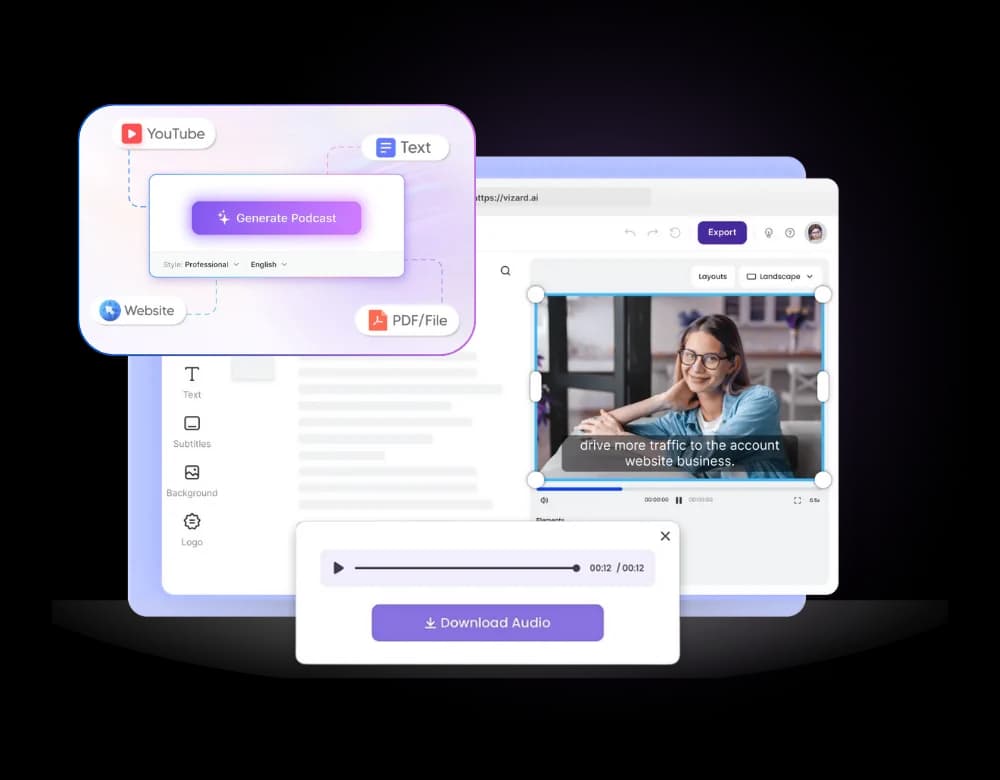
4. Edit and Sync with Video: Download the generated audio file (usually in MP3 or WAV format). Import this audio file into your video editing software alongside your video footage. Align the audio track with the corresponding visual elements. You can trim the audio, adjust its volume, and make minor edits to ensure it perfectly matches the on-screen action or narrative cues. Many AI studios also offer integrated video editing capabilities, allowing you to perform these steps within the same platform.
Choosing the Right AI Voice
The quality and appropriateness of your AI voice are paramount. With modern AI, the options are vast and sophisticated. When selecting a voice, consider these factors:
- Language and Accent: Textalky offers over 150 languages and accents, ensuring you can find a voice that resonates with your target audience, whether they are in London, Tokyo, or anywhere in between.
- Tone and Emotion: Does your video require a friendly, conversational tone for a product review? A serious, authoritative voice for a documentary? An enthusiastic narrator for an explainer? AI voices are increasingly capable of conveying a wide range of emotions. Listen to samples carefully.
- Clarity and Pronunciation: A good AI voice will pronounce words clearly and naturally, without robotic inflections or mispronunciations, especially for technical terms or names.
- Studio Quality: Look for voices that sound clear, well-recorded, and free from digital artifacts. Many AI voice generators are trained on professional voice actor recordings, resulting in exceptional audio fidelity.
Enhancing Your Audio with Sound Studio
Generating a base voiceover is often just the first step. To achieve a truly polished final product, you'll want to refine your audio mix. This is where a comprehensive Sound Studio becomes invaluable.
Beyond the primary voiceover, your video might include background music, sound effects, or even interviews. A Sound Studio allows you to:
- Mix and Balance Audio Levels: Ensure your voiceover is clear and prominent above any background music or effects. Adjust the volume of each element so they complement, rather than compete with, each other.
- Apply Effects: Add subtle reverb to give your voiceover more presence, or use equalization (EQ) to enhance clarity or reduce unwanted frequencies.
- Master Your Audio: Apply final touches to ensure consistent volume and quality across your entire audio track, making it sound professional and ready for distribution.
- Edit and Trim: Precisely cut, splice, and arrange audio clips to perfectly sync with your video timeline.
By integrating these audio enhancement tools, you can transform a raw narration into a rich, immersive soundscape that significantly elevates your video's impact.
Beyond Basic Narration: Advanced AI Voice Features
The capabilities of AI in audio production extend far beyond simple text-to-speech. For creators looking to push the boundaries of quality and customization, advanced features are available:
- AI Voice Cloning: Imagine having a voice that is uniquely yours, or perfectly matches your brand’s persona. AI Voice Cloning allows you to create a custom AI voice from a short sample of your own speech. This ensures consistency across all your video content and can be incredibly powerful for personal branding. You can learn more about this process in our step-by-step guide, How to Clone Your Voice with AI (Step-by-Step).
- AI Voice Isolator: Even in the most controlled recording environments, background noise can creep in. The AI Voice Isolator: How to Remove Background Noise from Audio feature uses AI to intelligently identify and remove distracting sounds like hums, traffic, or ambient chatter from your recordings. This can save hours of manual cleanup or even salvage recordings that might otherwise be unusable.
- AI Music Generation: Complement your narration and visuals with custom background music. AI music tools can generate original tracks in various genres and moods, providing a unique soundtrack for your videos without copyright concerns.
These advanced tools empower creators to achieve a level of audio quality and customization that was previously only accessible to large production houses.
Integrating Voiceover into Your Video Workflow
The true power of an all-in-one AI creative studio lies in its ability to consolidate numerous creative tasks into a single, intuitive platform. Instead of subscribing to and learning multiple specialized tools for writing, voiceover, image generation, and video editing, you can access everything under one roof. This All-in-One AI Creative Studio vs. Stacking Separate Tools approach not only saves money but also dramatically streamlines your workflow.
Imagine this: you brainstorm an idea, use the AI Writer to draft a script, generate a voiceover with AI Text to Speech, create custom visuals with AI Image, and then assemble it all in the integrated video editor, all within the same interface. This efficiency allows you to produce more content, faster, and with higher quality.
For creators looking to invest in a comprehensive suite of AI tools that covers every aspect of content creation, from text and audio to visuals and video, exploring the current offers is highly recommended. The AI Lifetime Pro, lifetime access for $79 once provides an incredible value, offering access to all features and tools for a single, one-time payment. This means no recurring monthly fees and a complete AI creative studio at your fingertips for as long as the service is available. It’s a significant opportunity to equip yourself with advanced creative capabilities without the burden of ongoing subscriptions.
Frequently Asked Questions
How can I add voiceover to a video for free?
You can add voiceover to a video for free using Textalky's AI Free plan. This plan provides a limited number of words for AI writing and characters for voiceovers each month, along with a small allocation of visual credits and transcription minutes. It's an excellent way to experiment with adding narration without any cost. For more extensive needs, consider the AI Basic plan at $6 per month, which offers significantly higher quotas.
What is the best AI voice generator for videos?
The "best" AI voice generator depends on your specific needs, but Textalky offers a robust selection of over 50 studio-grade voices across more than 150 languages and accents. Its text-to-speech engine is built on leading AI models, ensuring natural pronunciation and a good range of emotional tones. The ability to clone your own voice with AI Voice Cloning also provides a unique, personalized option.
Can AI voices sound natural in videos?
Yes, modern AI voices can sound remarkably natural, especially when generated by sophisticated platforms like Textalky. They are trained on vast datasets of human speech, allowing them to mimic human intonation, rhythm, and emotional expression. While extremely subtle nuances might still distinguish them from a top-tier human voice actor in highly critical applications, for the vast majority of video content, AI voices are indistinguishable from real recordings and offer unparalleled convenience and affordability.
Adding voiceover to your videos doesn't have to be a complex or expensive endeavor. By leveraging the power of an all-in-one AI creative studio, you can produce engaging, professional-sounding narration quickly and affordably. Explore the tools available, experiment with different voices, and discover how narration can transform your video content.
Ready to elevate your video production? Discover the comprehensive capabilities of Textalky and see how it can streamline your entire creative process. For an exceptional value on a complete AI creative suite, consider the AI Lifetime Pro, lifetime access for $79 once.
Ready to try it yourself?
Create a free Textalky account - no credit card required - and put this into practice.
Start creating for free