Transcribe Your Podcast to Show Notes: A Step-by-Step Guide
Transform your podcast audio into valuable show notes with AI transcription. This guide walks you through the process, saving you hours of manual work.
8 min read · September 4, 2026
Podcast creators know the value of show notes. They are more than just a recap; they are essential for search engine optimization, making your content accessible to a wider audience, and extending the life of your episodes. Yet, the process of creating them often feels like a chore. Manually transcribing hours of audio to extract key points, quotes, and timestamps is a significant drain on time and resources, leading to delays and often incomplete notes. This is where AI transcription transforms the workflow.
Why Podcast Show Notes Matter
Think of your podcast episode as a conversation. Show notes are the written summary that helps listeners who missed the live event, those who prefer reading, or those who want to quickly find specific information. They serve multiple critical purposes:
- SEO Boost: Search engines can't index audio. Written show notes, however, are crawlable. Including relevant keywords from your episode in detailed show notes helps potential listeners discover your podcast through search queries.
- Accessibility: For individuals who are deaf or hard of hearing, or for those in noisy environments, transcripts and detailed show notes are invaluable. They ensure your content is inclusive.
- Content Repurposing: Transcripts are the raw material for a wealth of other content. You can easily pull quotes for social media, expand on topics for blog posts, or even create entirely new articles based on your episode’s discussion. This maximizes the reach of your original effort.
- Listener Engagement: Well-crafted show notes can include links to resources mentioned, guest bios, timestamps for key segments, and calls to action. This enhances the listener experience, encouraging them to dive deeper into your content and connect with you or your guests. For those who already engage in podcast scripting, narration and mastering, adding comprehensive show notes is a natural next step.
The Challenge of Manual Transcription
The traditional method of creating show notes involves listening to your podcast episode and typing out what is said. This process is fraught with challenges:
- Time Intensive: A one-hour podcast can easily take three to five hours, or even more, to transcribe accurately by hand. This is time that could be spent on content creation, promotion, or other vital aspects of running a podcast.
- Tedious and Repetitive: Listening, pausing, typing, rewinding, and replaying segments is monotonous work that can lead to fatigue and decreased accuracy.
- Accuracy Issues: Human transcribers can miss words, misinterpret accents or background noise, and struggle with technical jargon or rapid speech. This can result in show notes that are inaccurate or misleading.
- Costly Outsourcing: While hiring a professional transcription service can save time, it can also be expensive, especially for podcasters on a budget or those producing content frequently.
These hurdles often mean that show notes are either an afterthought, created hastily, or skipped altogether, diminishing the potential impact of each episode.
Introducing AI Transcription for Podcasts
Artificial intelligence has dramatically changed how we approach tasks that were once purely manual. For audio content, AI transcription offers a powerful solution. These systems use sophisticated algorithms trained on vast amounts of speech data to convert spoken words into written text with remarkable speed and increasing accuracy.
Instead of hours of manual typing, AI transcription tools can process an audio file in a fraction of the time. You upload your podcast episode, and the AI handles the heavy lifting of converting speech to text. This technology is foundational to efficient content creation, as explored in resources like AI Podcast Production. Tools like Textalky’s AI Transcribe feature leverage advanced AI models to provide a fast and reliable way to get your audio content into a readable format.
Step-by-Step: Transcribing Your Podcast with Textalky
Using an AI tool like Textalky to transcribe your podcast episode is straightforward. Here’s how you can turn your audio into text:
- Sign Up for Textalky: If you haven't already, create an account. Textalky offers a free plan to get started, allowing you to test its capabilities.
- Navigate to the AI Transcribe Tool: Once logged in, locate the transcription feature within the Textalky interface. It’s typically found under the "AI Voice and Sound" or a similar category.
- Upload Your Audio File: Select your podcast episode file (common formats like MP3, WAV, or M4A are usually supported) and upload it to the platform.
- Initiate Transcription: Choose any available settings, such as language if prompted, and start the transcription process. Textalky will then process your audio.
- Review and Download Your Transcript: After a short processing time, your transcript will be ready. You can typically view it directly within the Textalky dashboard and download it in a plain text format (.txt) or other common document types.
This process drastically reduces the time spent on transcription, allowing you to move on to refining and utilizing your content.
From Transcription to Show Notes: Refining Your Content
The raw transcript from an AI tool is a fantastic starting point, but it’s rarely the final product for polished show notes. Think of the AI transcript as your first draft. Here’s how to transform it into a valuable set of show notes:
- Edit for Accuracy: Read through the transcript while listening to your episode. Correct any misheard words, names, or technical terms. AI is good, but human review is crucial for perfection. For this, Textalky’s AI Writing Editor can be incredibly helpful for making quick edits and refinements.
- Add Timestamps: Go through your edited transcript and add timestamps for key moments. This allows listeners to jump directly to specific segments they are interested in. For example: 0:00 - Introduction, 5:32 - Guest Interview Start, 15:10 - Key Takeaway: Topic X.
- Create Chapter Markers: Similar to timestamps, chapter markers break down your episode into logical sections. These are often displayed in podcast players and help listeners navigate longer episodes.
- Write a Concise Summary: Craft a brief, engaging summary of the episode. This should capture the main theme and entice new listeners.
- Highlight Key Takeaways and Quotes: Pull out the most important points, actionable advice, or memorable quotes from the discussion. These make the show notes scannable and shareable.
- Include Guest Information: Add links to your guest’s website, social media profiles, and any resources they mentioned.
- Add Calls to Action: Remind listeners to subscribe, leave a review, visit your website, or check out a specific offer.
- Link to Resources: Compile all the links mentioned during the episode into a dedicated section.
By adding these elements, you transform a simple text document into a rich resource that enhances listener experience and drives engagement.
Repurposing Your Show Notes
Once your show notes are complete, their utility expands far beyond your podcast feed. They are a goldmine for content repurposing:
- Blog Posts: Expand sections of your show notes into full blog articles. You can take a single topic discussed in the episode and create a detailed blog post around it, driving traffic to your website from search engines.
- Social Media Content: Extract compelling quotes, statistics, or key takeaways to create engaging posts for platforms like Twitter, LinkedIn, or Instagram. Use timestamps to direct followers to specific moments in the episode.
- Email Newsletters: Share your episode summary and key highlights in your newsletter to inform your subscribers and encourage them to listen.
- Website Content: Embed your podcast player directly into relevant pages on your website, accompanied by the full show notes. This improves user experience and SEO.
- Create Infographics or Visuals: Turn data or key points from your show notes into easily shareable visual content.
- Internal Training Materials: If your podcast covers industry topics, transcripts can be used to create training documents or knowledge base articles.
Every piece of content you create from your show notes acts as another touchpoint, bringing new listeners to your podcast and deepening the connection with your existing audience.
The All-in-One Advantage
The process of creating a podcast, from scripting and recording to transcription and show notes, involves multiple distinct tools. Managing separate subscriptions for audio editing, voiceover, transcription, writing, and image creation can become complex and expensive. This is where an all-in-one AI studio like Textalky offers a significant advantage.
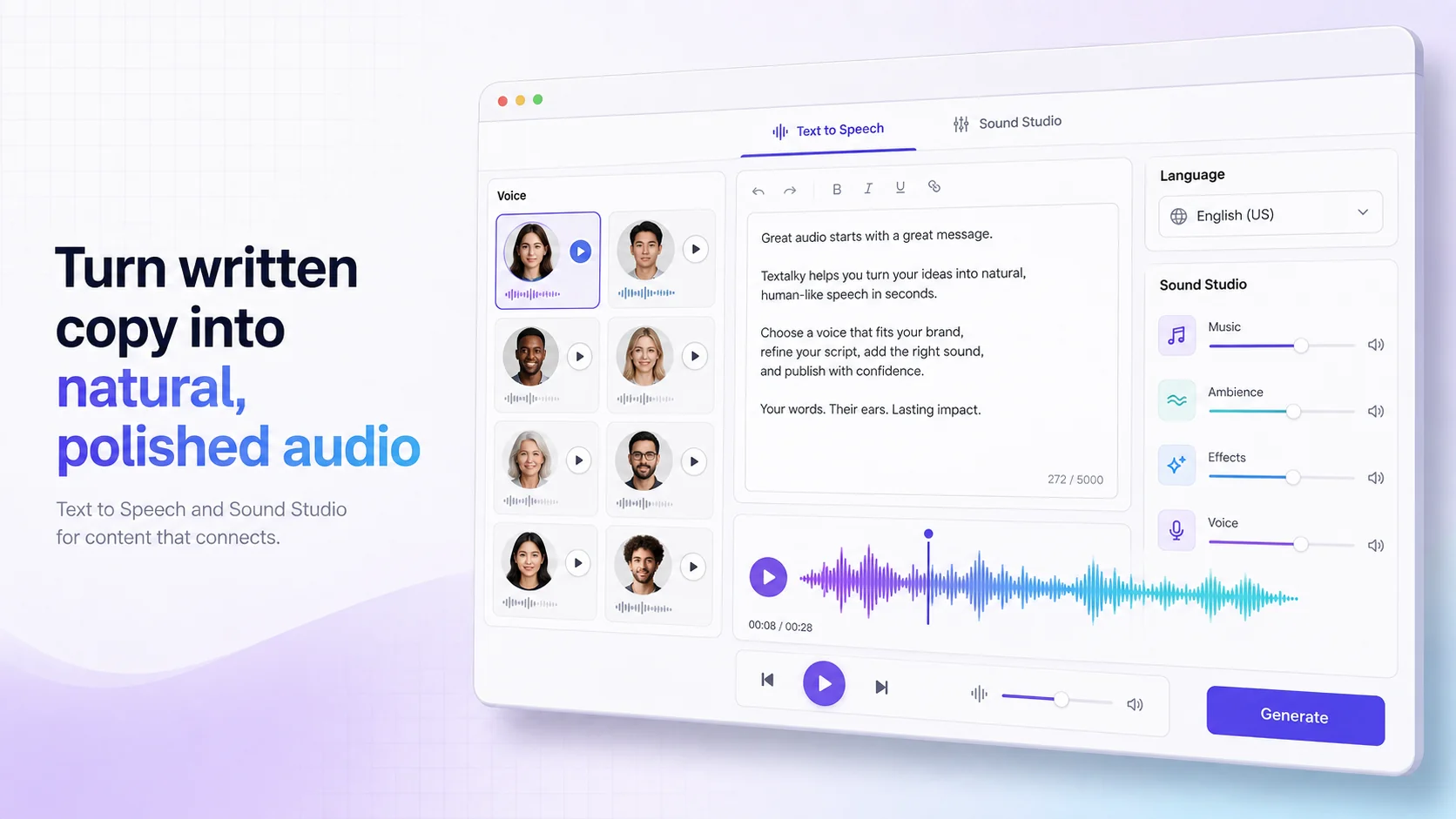
Textalky brings all the essential AI creative tools under a single roof. You can use its AI Writer and Article Wizard for scripting, AI Voiceover for narration, Sound Studio for mastering, and of course, AI Transcribe for your show notes. This unified platform streamlines your workflow, saving you time and money. Instead of juggling multiple logins and invoices, you have one interface for all your creative needs.
With Textalky, you get access to over 20 AI tools, including AI Voiceover, AI Writing Editor, AI Images, and AI Video, all within one subscription. This comprehensive suite makes it easier and more affordable to produce high-quality content consistently. You can explore the affordable plans Textalky offers, including a free tier to start.
For those looking for exceptional value, Textalky currently features the AI Lifetime Pro offer. This one-time purchase provides lifetime access to the full suite of tools, eliminating recurring subscription fees and offering incredible long-term savings. It’s a chance to equip your entire creative process with powerful AI capabilities without ongoing costs.
Frequently asked questions
How accurate is AI transcription for podcasts?
Modern AI transcription services, including Textalky's AI Transcribe, are highly accurate, often achieving 90-95% accuracy or higher for clear audio. Accuracy can be affected by factors like background noise, multiple speakers with overlapping speech, strong accents, and technical jargon. However, for well-recorded podcast episodes, the output is typically very good and requires only minor edits.
Can AI transcription automatically add timestamps to my podcast show notes?
While the primary output of AI transcription is raw text, many advanced AI tools can also generate timestamps for each word or phrase. Textalky’s transcription output can be used as a base to easily add these timestamps manually or through further processing. These timestamps are crucial for creating navigable show notes and chapter markers.
What is the best way to edit AI-generated podcast transcripts?
The best approach is to use the AI transcript as a starting point and perform a human review. Listen to your podcast episode while reading the transcript. Correct any errors, refine phrasing for clarity, and add the necessary elements like timestamps, chapter markers, summaries, and links. Using a good text editor, like Textalky’s AI Writing Editor, can make this editing process smoother and more efficient.
Conclusion
Transcribing your podcast to create detailed show notes is no longer a tedious, time-consuming task. By embracing AI transcription tools like Textalky, you can automate the process, improve accuracy, and free up valuable time. These show notes then become a powerful asset for SEO, accessibility, and repurposing your content across multiple platforms.
If you’re ready to streamline your podcast production workflow and unlock the full potential of your audio content, it’s worth comparing Textalky’s integrated solutions. You can explore their comprehensive suite of tools, including transcription, writing, voice, and video creation, all available under a single subscription. For an exceptional value, consider checking out the limited-time AI Lifetime Pro deal, which offers lifetime access to all features for a single, one-time payment.
Ready to try it yourself?
Create a free Textalky account - no credit card required - and put this into practice.
Start creating for free