Build a Faceless YouTube Channel with These Essential AI Tools
Dreaming of a YouTube channel but don't want to show your face? Learn how AI tools can help you create engaging faceless content, from scripts to final videos.
8 min read · September 4, 2026
Many aspiring creators dream of building a successful YouTube channel. Yet, the thought of appearing on camera - dealing with privacy concerns, camera shyness, or the expense of professional equipment and on-screen talent - can be a significant barrier. The good news? You don't need to be the face of your channel to create compelling content. This is where the power of AI comes in, offering a suite of tools that can handle everything from scriptwriting to final video production, allowing you to build a thriving faceless YouTube channel.
Why Start a Faceless YouTube Channel?
The appeal of a faceless YouTube channel lies in its accessibility and scalability. By removing yourself from the equation, you unlock several key benefits:
- Privacy and Comfort: For those who prefer to keep their personal lives separate or feel uncomfortable on camera, a faceless approach is ideal. It allows you to share your knowledge, passion, or creativity without personal exposure.
- Niche Focus: You can delve deep into specific topics without being tied to a personal brand. This allows for greater flexibility in content creation, enabling you to explore a wider range of subjects or pivot your channel's focus as needed.
- Scalability and Efficiency: AI tools automate many time-consuming tasks. This means you can produce content more rapidly and consistently, which is crucial for channel growth. You can also easily outsource or delegate specific tasks if your channel expands.
- Global Reach: With AI voiceovers in multiple languages and accents, you can reach a worldwide audience without needing to speak every language yourself.
- Cost-Effectiveness: Eliminating the need for cameras, lighting, and studio setups, and leveraging AI for content creation, significantly reduces the initial investment and ongoing costs.
AI Tools for Scripting and Content Planning
Every great YouTube video starts with a solid script. AI writing assistants can transform this process, helping you brainstorm ideas, structure your content, and generate polished scripts.
AI tools can analyze trending topics within your niche and suggest video concepts that resonate with your target audience. Once you have an idea, an AI writer can help you craft a detailed outline, ensuring a logical flow and comprehensive coverage of your subject matter. The real magic happens when you use these tools to generate the full script. You can provide prompts specifying the tone, style, and key points you want to cover, and the AI will produce a script ready for narration. This not only saves immense amounts of time but also helps overcome writer's block. For those looking to streamline their YouTube content creation, exploring AI YouTube tools designed for this purpose can be a significant advantage.
Whether you need a script for a deep-dive educational video, a quick listicle, or an engaging story, an AI Writer can deliver. You can iterate on the generated content, refining it with your unique insights and voice, ensuring the final script is both informative and captivating for your viewers.
Crafting Engaging Voiceovers with AI
Narration is the backbone of most faceless YouTube videos. Fortunately, AI has made creating professional-sounding voiceovers more accessible than ever.
Gone are the days when you needed an expensive microphone and a quiet recording space to capture decent audio. AI text-to-speech technology can convert your written scripts into natural-sounding speech in a variety of languages and accents. Simply paste your script into the AI voice generator, choose a voice that fits your channel's persona, and download the audio file. This AI Voiceover capability is a game-changer for faceless content creators.
For an even more personalized touch, AI voice cloning allows you to create a digital replica of a voice. While this requires an initial recording of the voice you wish to clone, it enables you to generate an endless supply of narration in that specific voice. This can be particularly useful if you have a particular vocal style you want to maintain across all your videos or if you want to experiment with AI Voice Cloning for different characters or segments within your videos. The quality of AI-generated voices has improved dramatically, offering warmth, clarity, and emotional nuance that keeps viewers engaged.
Visual Storytelling: AI for Video and Images
While your face may not be on screen, compelling visuals are still crucial for keeping viewers hooked. AI tools can generate everything from static images to dynamic video sequences, bringing your scripts to life.
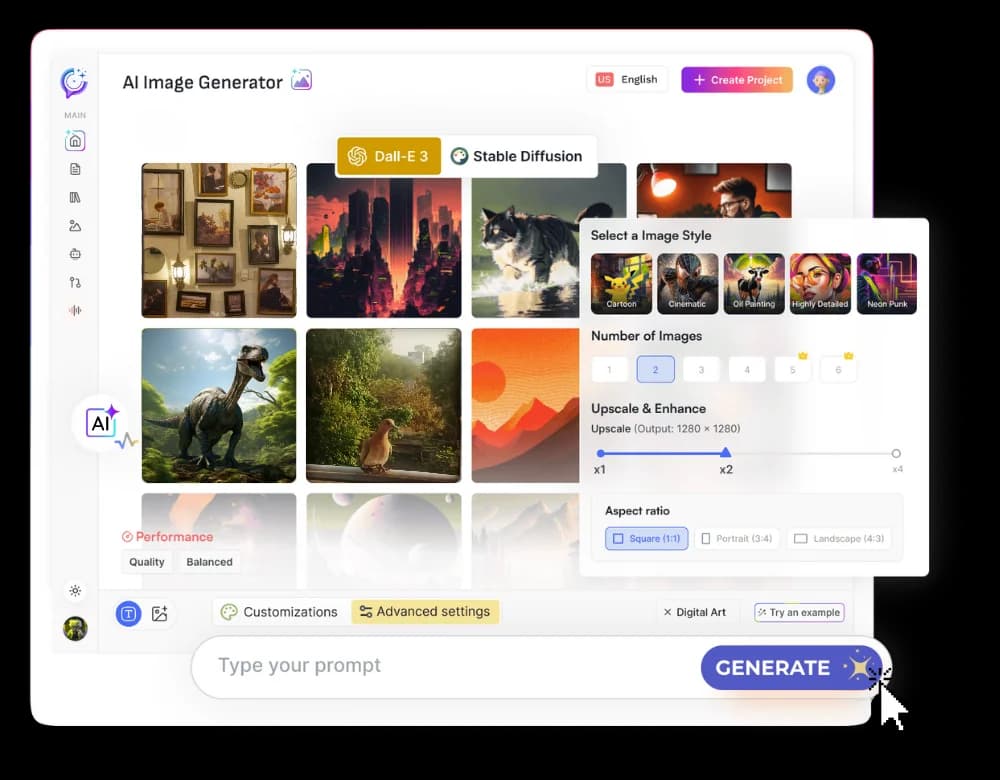
AI image generators can create stunning visuals based on text prompts. Need an illustration for a specific point in your script? Want to create a unique thumbnail that grabs attention? AI image tools can produce high-quality graphics, custom artwork, and photorealistic images tailored to your content. These can be used as background visuals, chapter markers, or supporting graphics throughout your video.
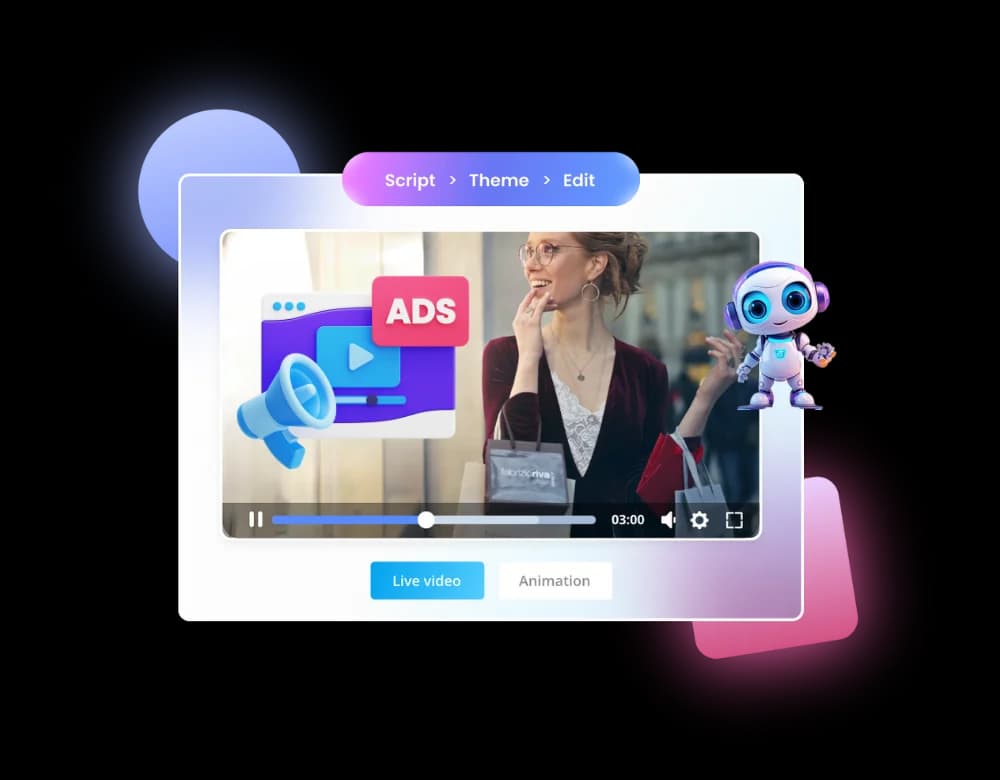
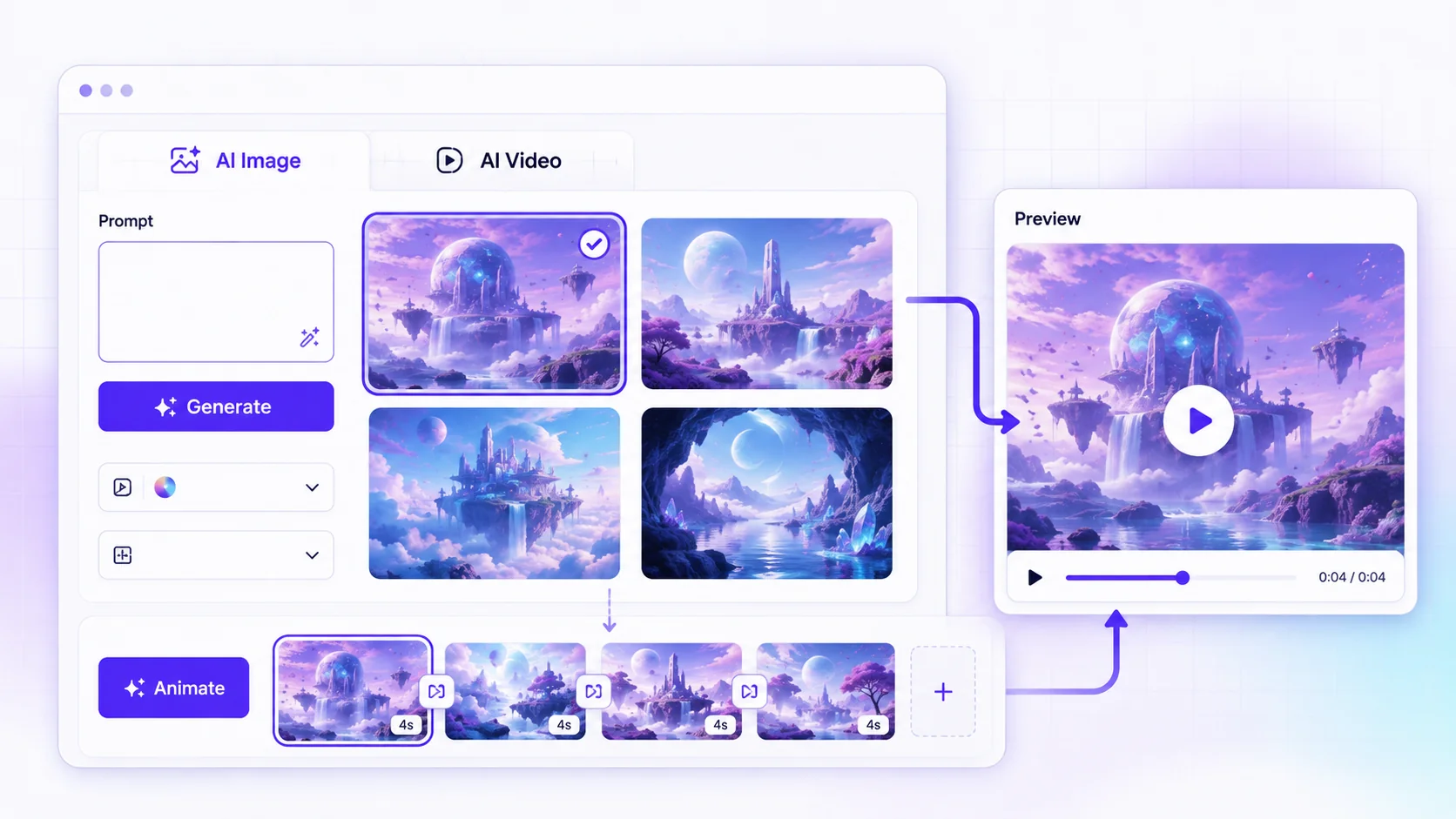
For more dynamic content, AI video generators are becoming increasingly powerful. You can create explainer videos, animated sequences, or even short cinematic clips using AI. These tools can take your script or existing images and transform them into engaging video content. The AI Video capabilities allow for creative storytelling without the need for complex filming or editing software.
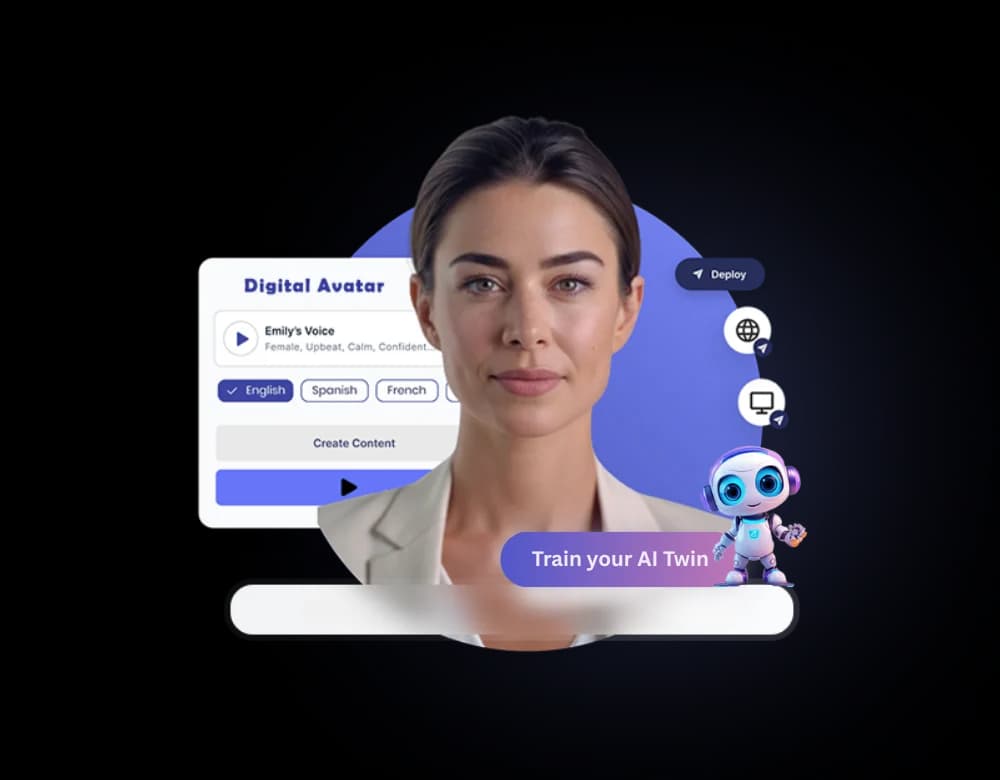
Furthermore, AI avatars offer a way to have a visual presenter on screen without you needing to be there. You can choose from a library of realistic or stylized avatars, sync them with your AI-generated voiceover, and create a consistent on-screen presence that feels personal, even if it's not you. These AI Avatars can deliver information, host segments, or interact with on-screen graphics, adding another layer of professionalism to your faceless channel.
Enhancing Your Audio with AI
Beyond voiceovers, AI can significantly improve the overall audio quality of your videos, making them more pleasant and professional to watch.
Background noise can be a major distraction for viewers. AI voice isolator tools can effectively remove ambient sounds, static, and other unwanted noises from your audio recordings, ensuring your narration is crisp and clear. This is invaluable for maintaining a professional sound, especially if you're recording in less-than-ideal environments.
For background music, AI music generators can create original soundtracks tailored to the mood and pacing of your video. Instead of relying on royalty-free music libraries, which can sometimes sound generic, AI can compose unique pieces that perfectly complement your content. This AI Music capability adds a polished, bespoke feel to your productions. You can specify genre, mood, tempo, and instrumentation to generate music that fits your exact needs.
Putting It All Together: A Workflow for Faceless Channels
Creating a faceless YouTube channel involves a series of interconnected steps, and AI can streamline each one. Here’s a potential workflow:
- Ideation and Scripting: Use an AI writing assistant to brainstorm video topics, create an outline, and generate the full script. Refine the script with your specific insights.
- Voiceover Creation: Input the finalized script into an AI text-to-speech tool. Select a suitable voice and generate the audio narration. If using voice cloning, ensure you have the cloned voice ready.
- Visual Asset Generation: Use AI image tools to create any necessary graphics, backgrounds, or thumbnail elements. If your video requires animation or dynamic scenes, utilize AI video generators. Consider AI avatars if you want a consistent on-screen presenter.
- Audio Enhancement: Import your voiceover into an audio editor. Use AI voice isolation tools to remove background noise. Generate background music using AI music tools and blend it with your narration.
- Video Assembly: Import all your generated assets - voiceover, images, video clips, avatar footage - into a video editing software. Synchronize the audio with the visuals, add text overlays, transitions, and any other necessary effects.
- Export and Upload: Export the final video in the appropriate format and upload it to YouTube, complete with a compelling title, description, and tags.
This process, while detailed, is made significantly more efficient by AI tools that handle the heavy lifting at each stage.
The All-in-One Solution for Faceless YouTube Success
Traditionally, creating a faceless YouTube channel meant subscribing to multiple specialized tools for writing, voice generation, image creation, video editing, and audio mastering. Each subscription adds to your monthly costs and creates a fragmented workflow. This is where the concept of an all-in-one AI creative studio truly shines.
Imagine having access to AI writing, AI voiceover, AI image generation, AI video creation, AI music, and advanced audio tools all within a single interface, under one subscription. This unified approach eliminates the need to juggle multiple platforms, transfer files between applications, and manage various billing cycles. It streamlines your entire production pipeline, saving you not only money but also invaluable time.
Textalky offers exactly this comprehensive solution. It brings together over 20 AI tools designed for content creation into a single, intuitive studio. From generating your first video idea to producing the final export, every step of building a faceless YouTube channel can be managed within one platform. This integration means you can move seamlessly from scripting to voiceover to visual creation without leaving the studio.
Frequently Asked Questions
What are the best AI tools for creating a faceless YouTube channel?
The best AI tools for a faceless YouTube channel are those that cover the entire production pipeline. This includes AI writing assistants for scripts, AI text-to-speech and voice cloning for narration, AI image and video generators for visuals, and AI audio tools for enhancing sound quality and creating music. An all-in-one AI creative studio like Textalky consolidates these capabilities, making it highly efficient.
Can AI generate scripts and voiceovers for YouTube videos?
Yes, AI can generate both scripts and voiceovers for YouTube videos. AI writing tools can produce detailed scripts based on your prompts, while AI text-to-speech technology can convert those scripts into natural-sounding audio narration in numerous languages and accents.
How can I create engaging visuals for a faceless YouTube channel using AI?
You can create engaging visuals using AI by employing AI image generators for custom graphics, illustrations, and backgrounds. AI video generators can produce animated sequences or dynamic scenes, while AI avatars can serve as on-screen presenters. These tools allow for creative visual storytelling without the need for traditional filming.
Take Your Faceless Channel to the Next Level
Building a faceless YouTube channel is more accessible and powerful than ever, thanks to advancements in AI. By leveraging the right tools, you can overcome common barriers and create high-quality content consistently. Instead of piecing together multiple subscriptions, consider a unified platform that brings all these capabilities together.
For creators looking to establish a strong presence on YouTube without appearing on camera, exploring comprehensive AI solutions is key. You can access a vast array of creative tools designed to simplify every aspect of video production.
To get started with a complete AI creative studio that covers all your needs for faceless YouTube content, consider the AI Lifetime Pro deal. This one-time purchase offers lifetime access to a powerful suite of AI tools, including everything you need to write scripts, generate voiceovers, create stunning visuals, and produce professional videos. It's a significant opportunity to equip yourself for YouTube success.
Ready to try it yourself?
Create a free Textalky account - no credit card required - and put this into practice.
Start creating for free